Back to FAQ
Account and Profile FAQ
Account setup, profile changes, passwords, and deletion.
Open the sign-up page, enter your email and password, and complete any email verification shown. New users start with 3 credits for one standard Fitting Room preview.
All FAQs
Browse other topics
Getting Started
Set up your account and learn the main workflows.
Reset password
Request a password reset link.
Explore More
Related FAQs

Frequently Asked QuestionsFAQ
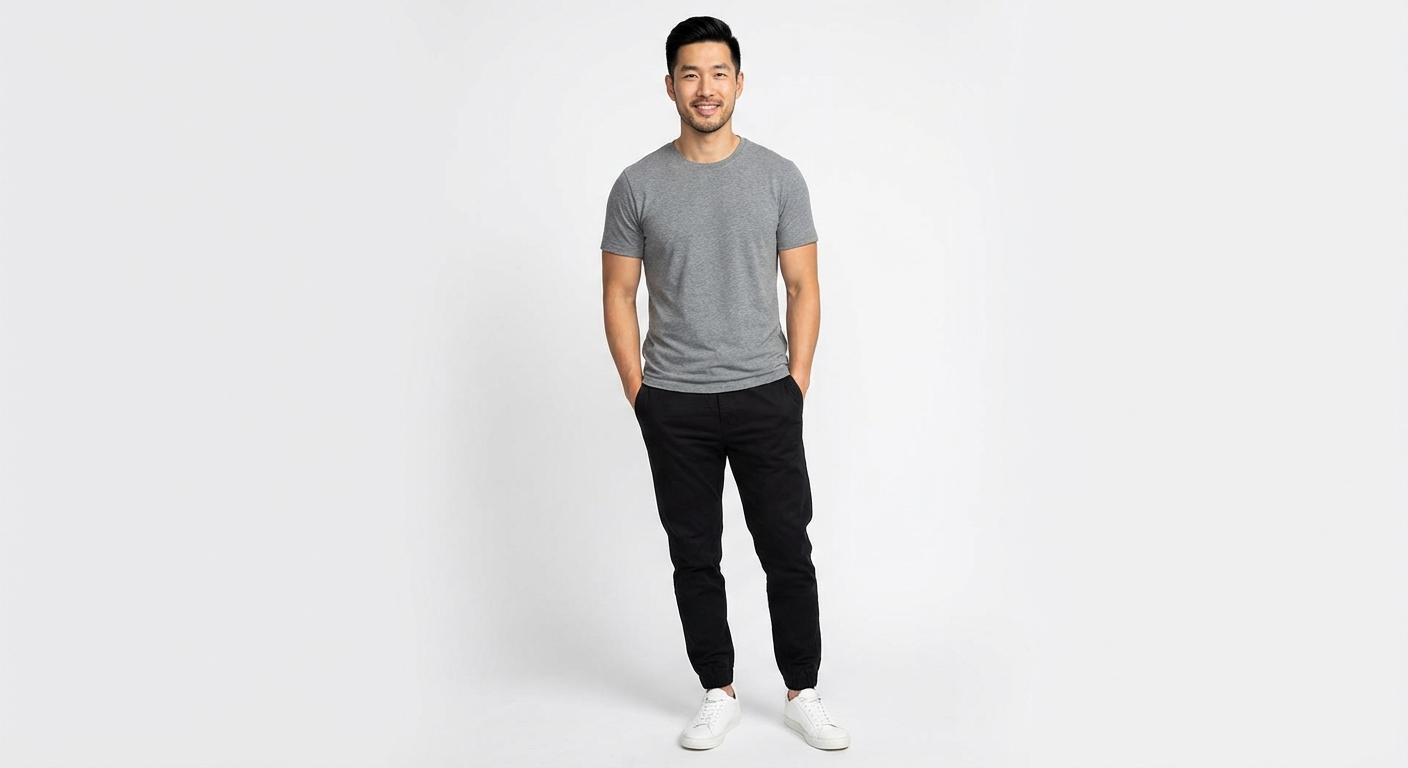
Fitting Room FAQ
How photo-based clothing previews work and what they can show.
Virtual Try-On FAQ - Free AI Fitting Room Questions
Read more->
Frequently Asked QuestionsFAQ
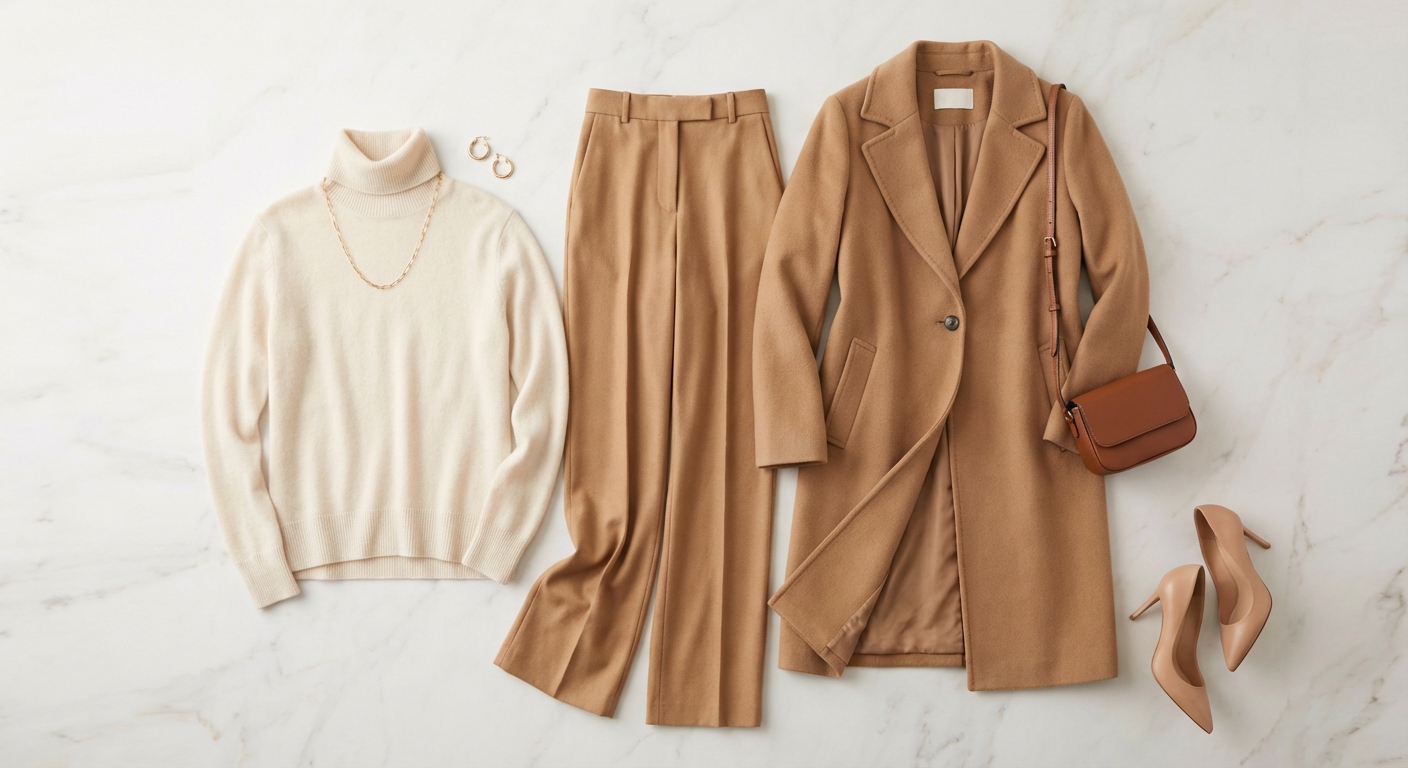
AI Styling FAQ
How outfit ideas use the details and context you provide.
AI Styling FAQ
Read more->
Frequently Asked QuestionsFAQ
Pricing and Plans FAQ
Credits, plans, billing, cancellation, and the current refund policy.
Pricing & Plans FAQ
Read more->
Start here
Need help with your account?
Review the getting started guide or reset your password from the login page.