Free first preview

See one garment on your photo in under a minute.

Start with the day and one piece you are considering. LookMate AI returns a written outfit plan. Use the Fitting Room later if you want to see one key piece on your photo.

This garment

This garment

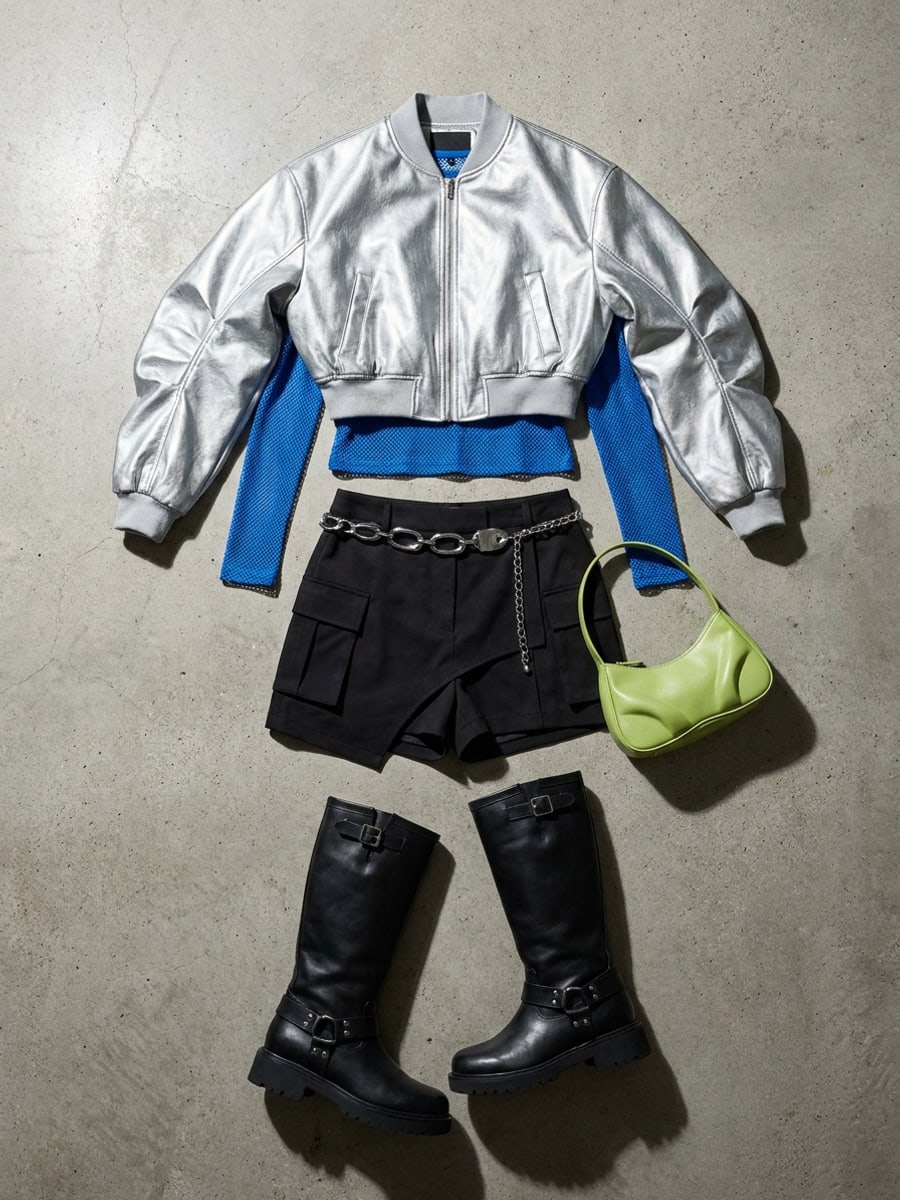
Product / closet photo

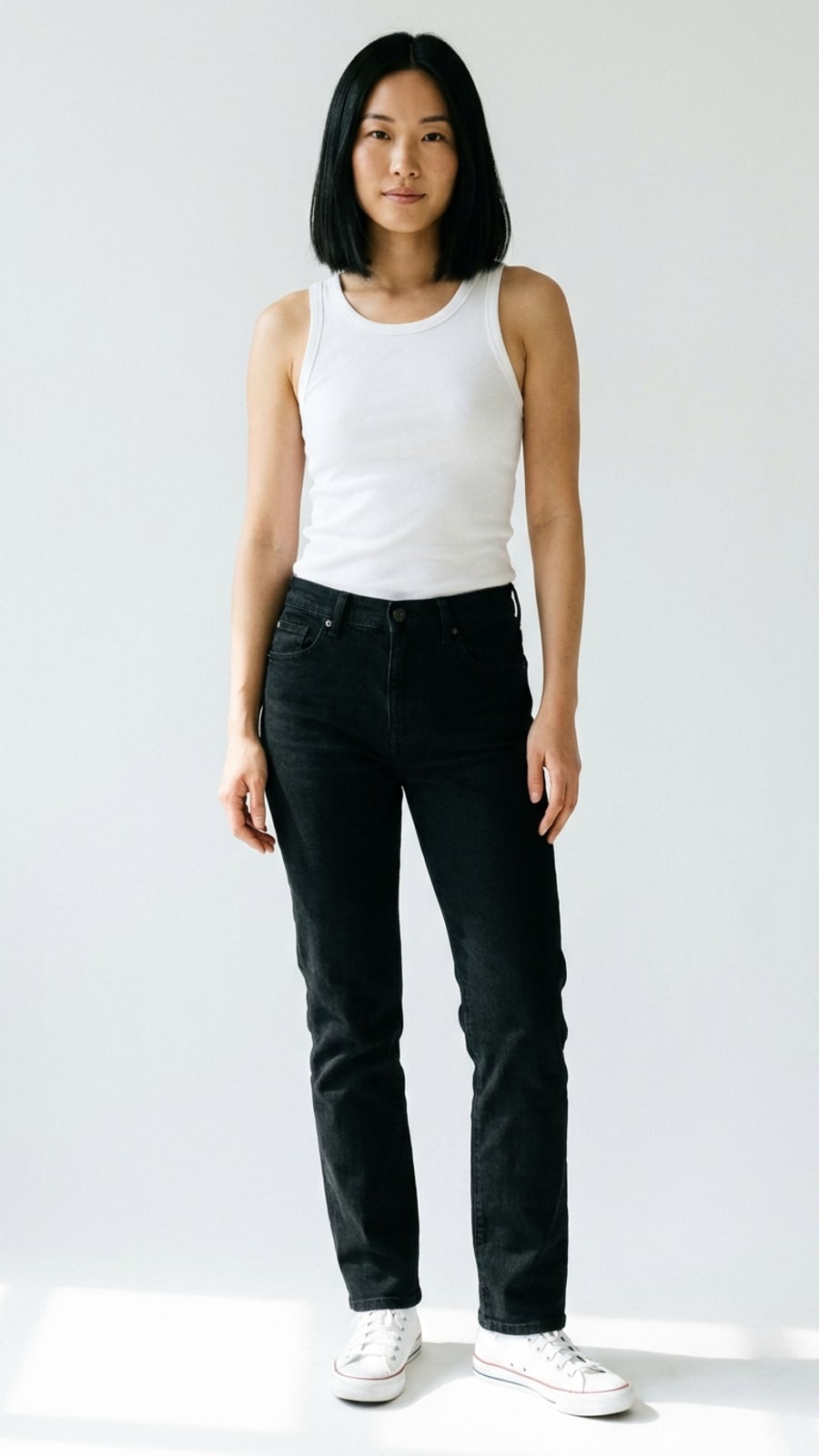
Your photo

Your photo

A clear personal shot

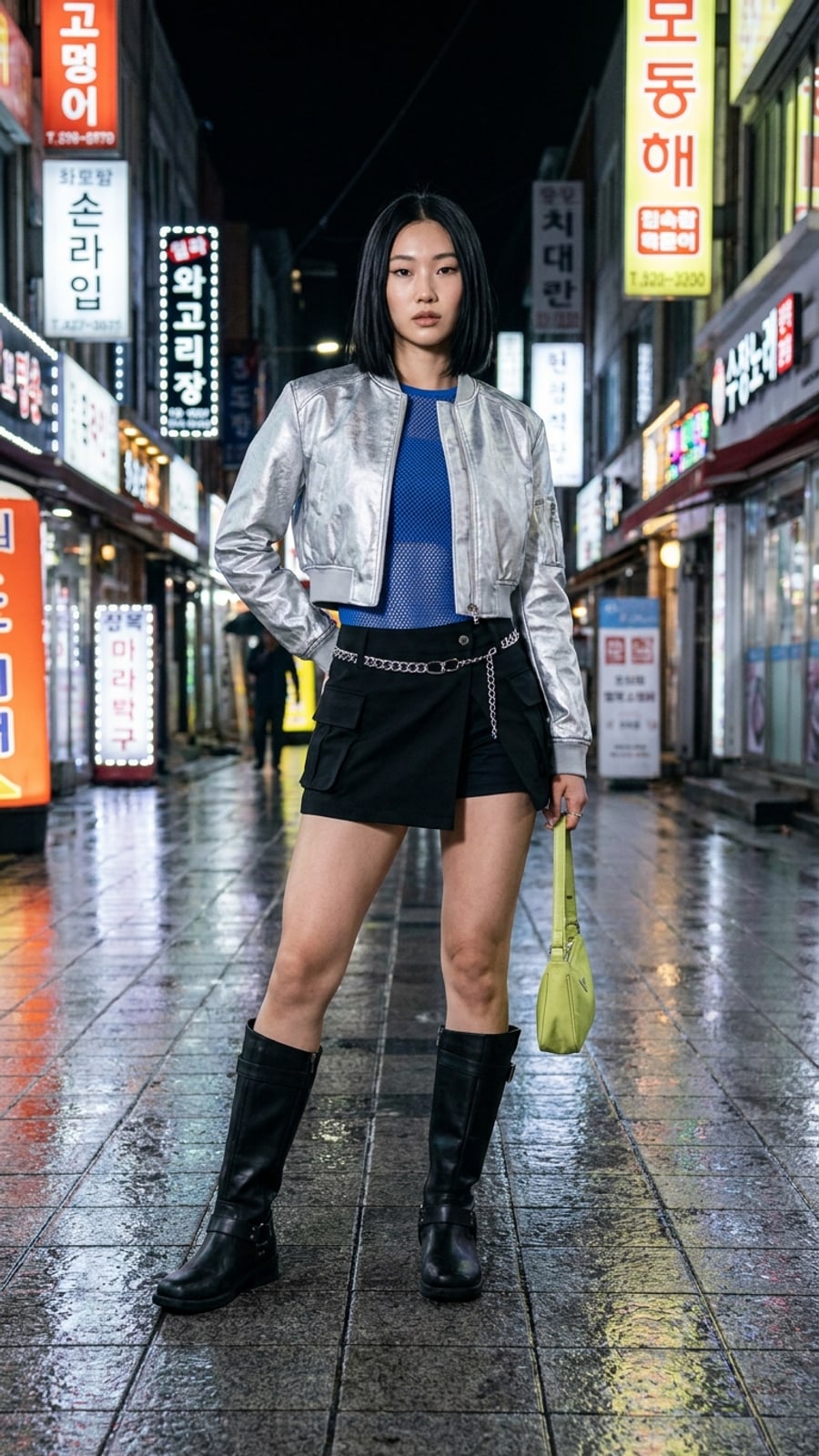
AI try-on preview

AI try-on previewpreview

Color, silhouette, length

Get outfit ideas

If not signed in, you’ll be prompted to sign up to continue.

  1. 1

    Upload your photo

    A clear face or half-body shot works best

  2. 2

    Add clothing or a screenshot

    Product photos, closet pictures, and Pinterest screenshots all work

  3. 3

    AI generates the preview

    Use one free starter credit

FAQ

Free first preview

How accurate is AI virtual try-on?+

It gives a visual preview of color, silhouette, length, and overall direction. It cannot confirm exact fit, fabric feel, or comfort — verify those on the real garment.

Do I need to pay to try it?+

New users get free starter credits. You can try one standard preview without paying. More credits unlock longer or higher-quality previews.

What photos give the best result?+

A clear, front-facing photo with even lighting and visible shoulders and torso. Avoid heavy filters, group shots, or images where the outfit is fully covered.

How to choose

How AI virtual try-on works

You upload a clear photo and a clothing image. LookMate AI places the garment on you in under a minute. Compare options before buying.

Upload a clear photo

Use a front-facing, well-lit photo with minimal occlusion. The clearer the photo, the more accurate the garment placement will be on your body.

  • ·Front-facing pose
  • ·Even lighting
  • ·Visible shoulders and torso

Add one clothing image

Use the product photo, a screenshot, or a closet picture. The clearer the clothing image, the better the AI can match color, silhouette, and proportion to your body.

  • ·One garment at a time
  • ·Full garment visible
  • ·Plain background preferred

Compare before buying

Generate visual previews for two or three candidate items. Compare color, silhouette, length, and overall direction before paying for the real thing.

  • ·Two or three candidates
  • ·Color near your face
  • ·Length and volume

For first-time users

Best when you want a quick verdict on one specific piece.

  • New users trying the tool for the first time
  • One specific item you want a quick verdict on
  • Confirming color before adding to cart
  • Hesitating before paying for more credits

LookMate AI

How AI virtual try-on works

Product photos only show the garment on a model. AI virtual try-on puts it on your photo, so you can judge color, silhouette, length, and overall direction against your real proportions before checkout.