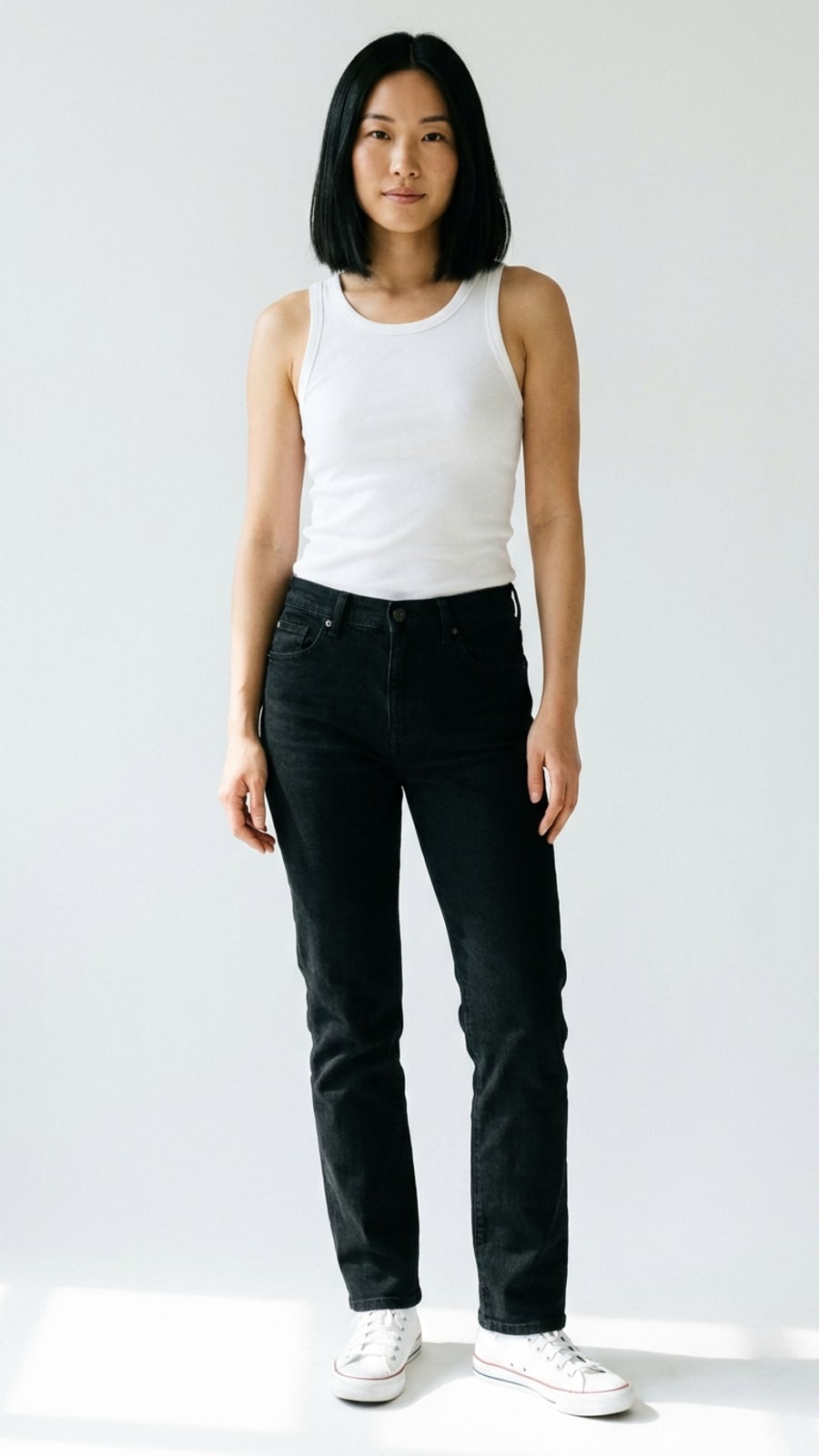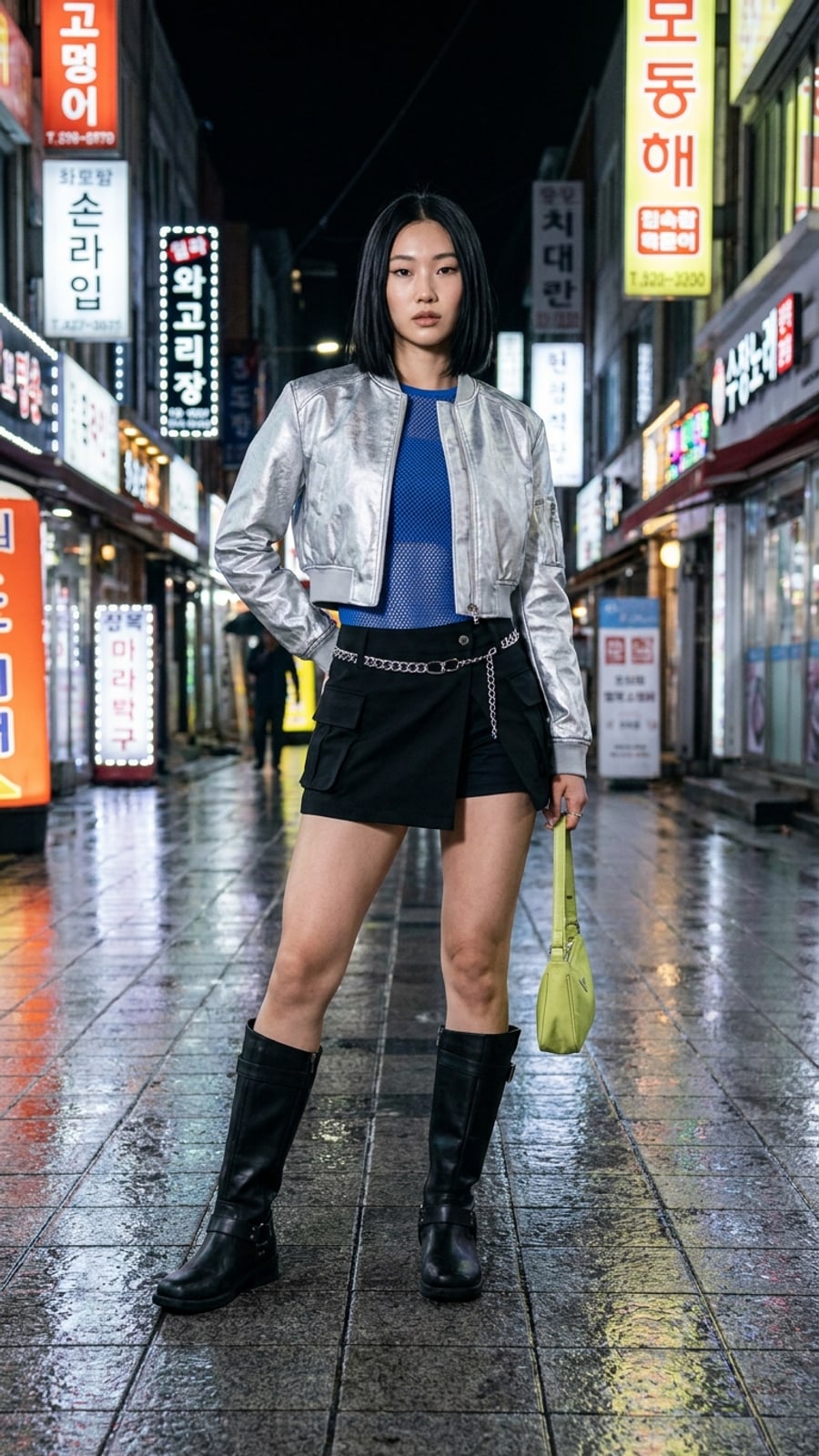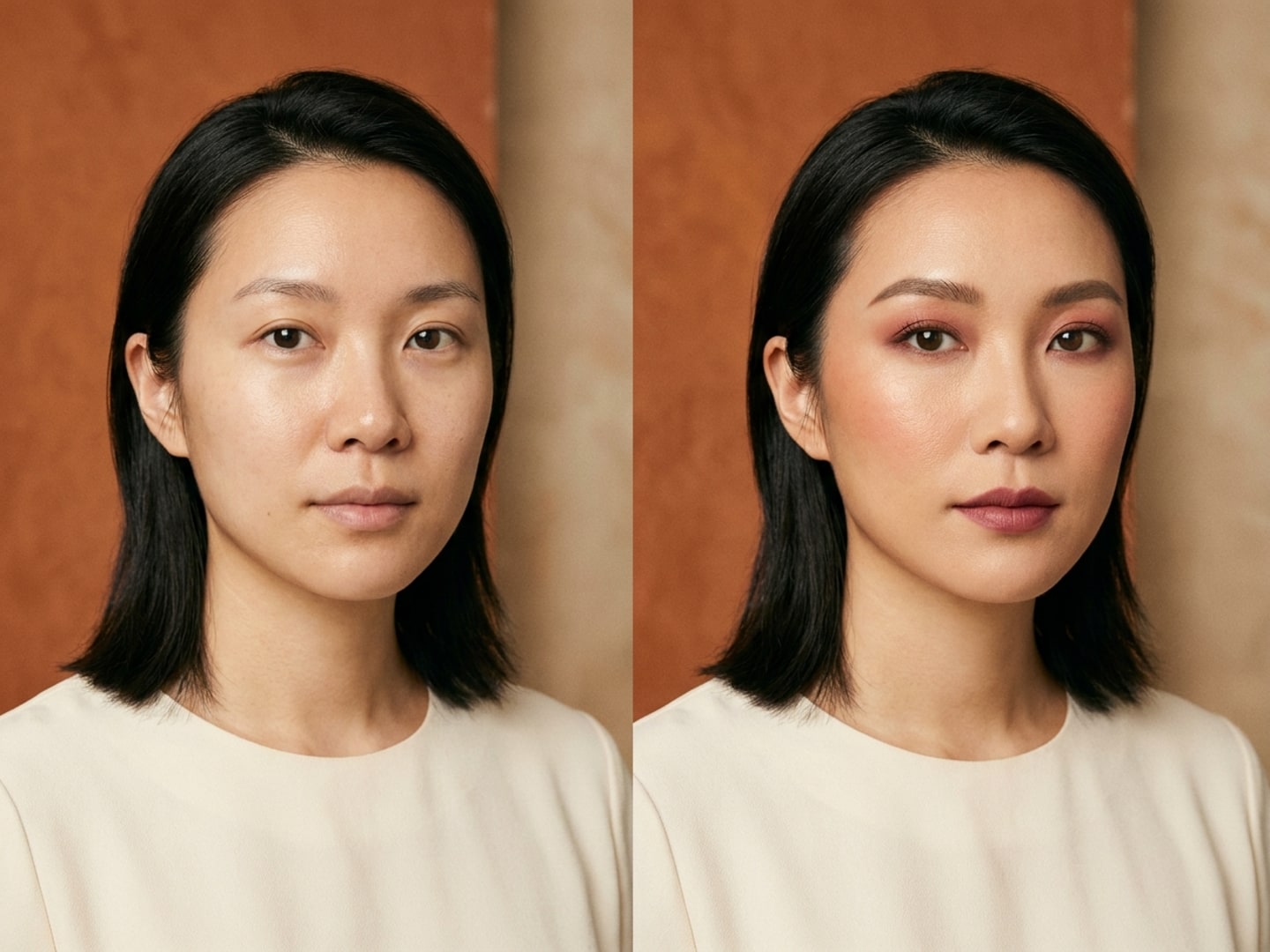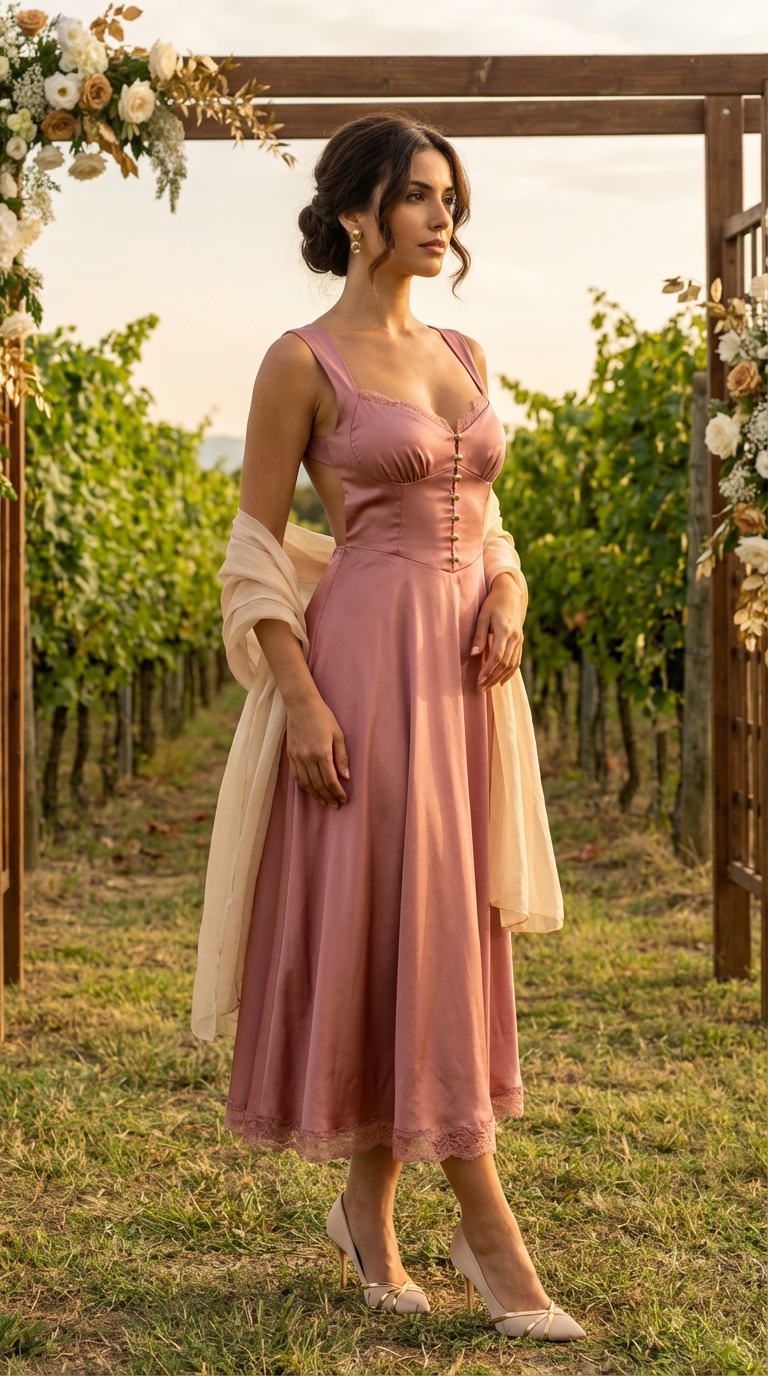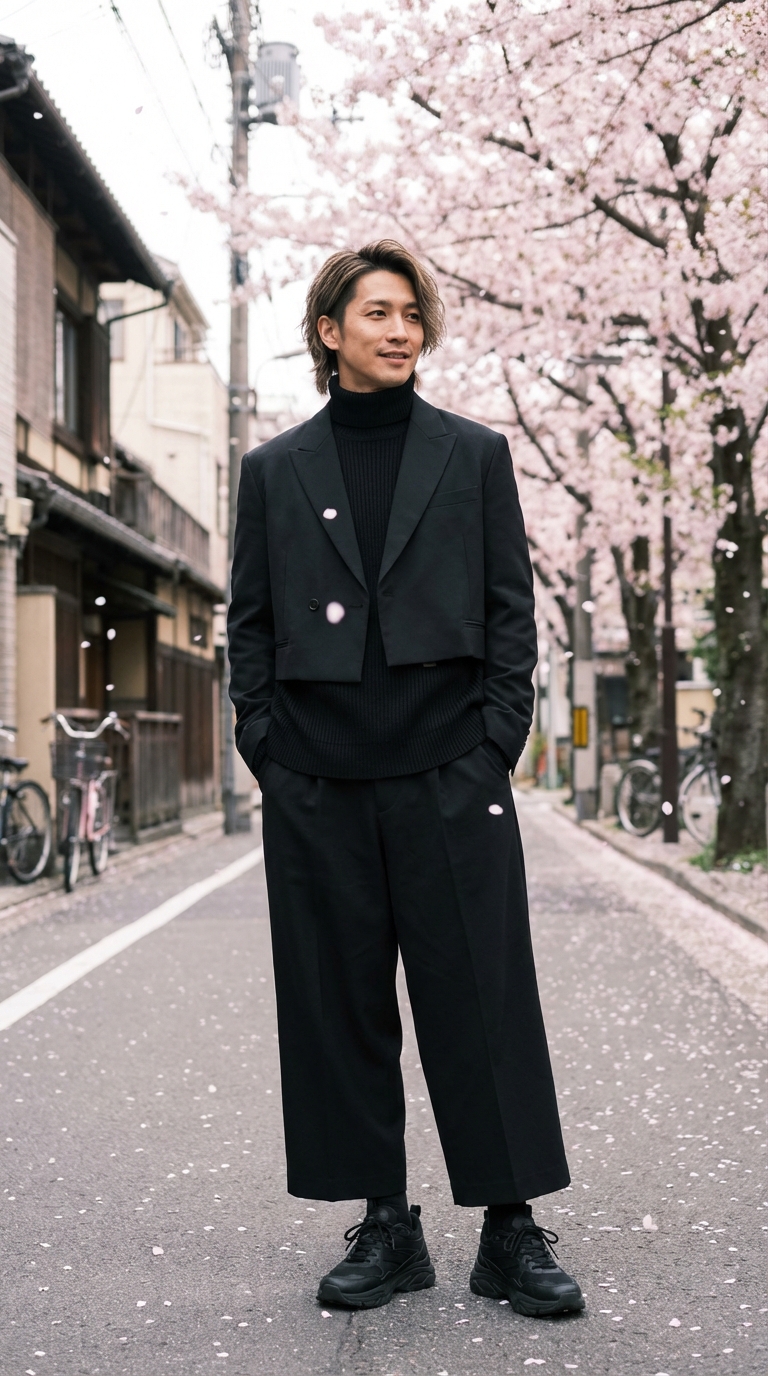
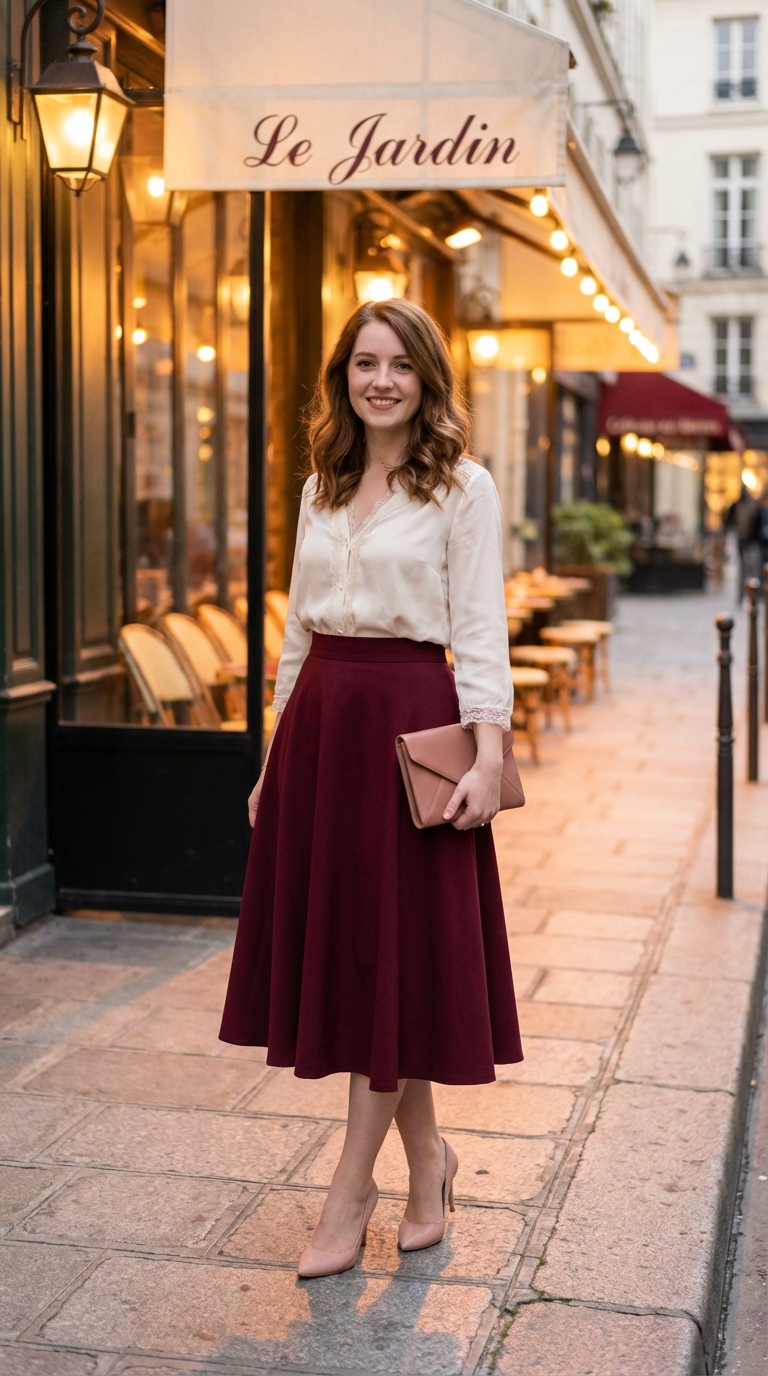
before / input

visual preview
Focused edits
(01)Refine the same direction.
Adjust sleeve length, waist placement, footwear, or color within the current direction, one change at a time.
Outfit ideas and visual previews
(01)Share the occasion, weather, preferences, and pieces you already own. Get outfit ideas, then preview a key garment on your photo.
Choose a brief


styling note
A cropped jacket sharpens the outline; keep the base simple and add polished shoes and a bag.
current task
Outfits by occasion
Choose the palette, silhouette, and formality, then create work, date, travel, or event versions to compare side by side.
Adjust what matters

before / input

visual preview
Focused edits
(01)Adjust sleeve length, waist placement, footwear, or color within the current direction, one change at a time.

before / input

visual preview
More occasions
(02)Choose a palette, silhouette, and formality, then create work, date, weekend, or travel versions to compare.

before / input

visual preview
Visual try-on preview
(03)Upload a product photo, screenshot, or closet piece to compare color, silhouette, and styling. It does not assess size or physical fit.
Choose by usage
No card is needed to begin. Credits are used for generation tasks; no-watermark or HD export access depends on the plan.
3 starter credits
$0
For a first visual preview.
20 credits / month
$5.90
For weekly generation, comparisons, and no-watermark exports.
80 credits / month
$19.90
For frequent use and high-volume comparisons.
FAQ
Both. Describe what you need for outfit ideas, or upload a garment for a visual preview on your photo. The preview does not determine size or physical fit.
Yes. Images with a clear garment and little obstruction usually produce an easier-to-read preview. Product photos, screenshots, and closet photos can all be used.
Public pages show demo assets only. Your uploads are handled in the account flow; see the privacy policy for data use and retention details.
Yes. Adjust color, layers, pieces, or formality for the same occasion, then create a visual preview for the key item.