What the preview shows, which photos work best, and its limits.
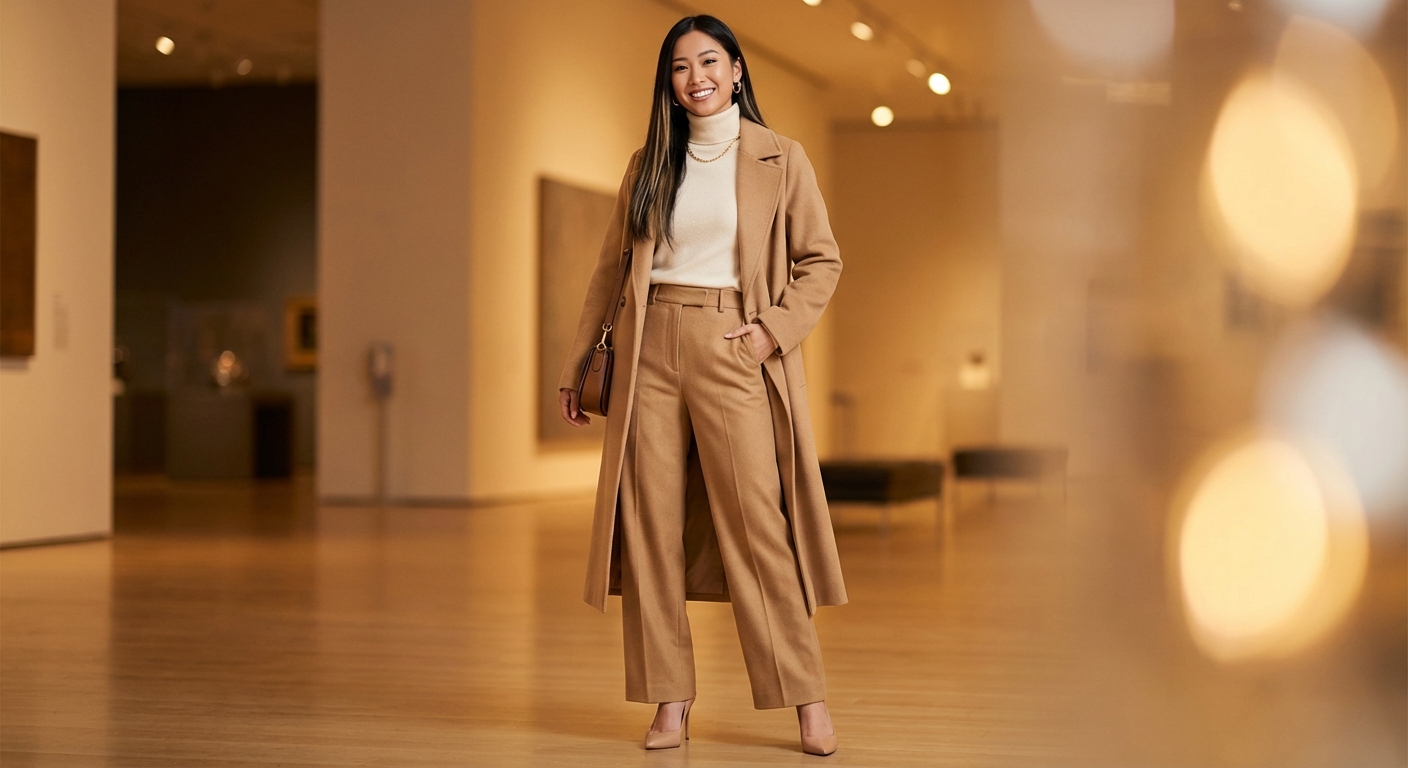
Upload a clear photo of yourself and an image of one clothing item. LookMate AI combines the images into a visual preview so you can compare the item's color, shape, and overall styling on your photo. It is a generated image, not a live camera view or an exact fit simulation.
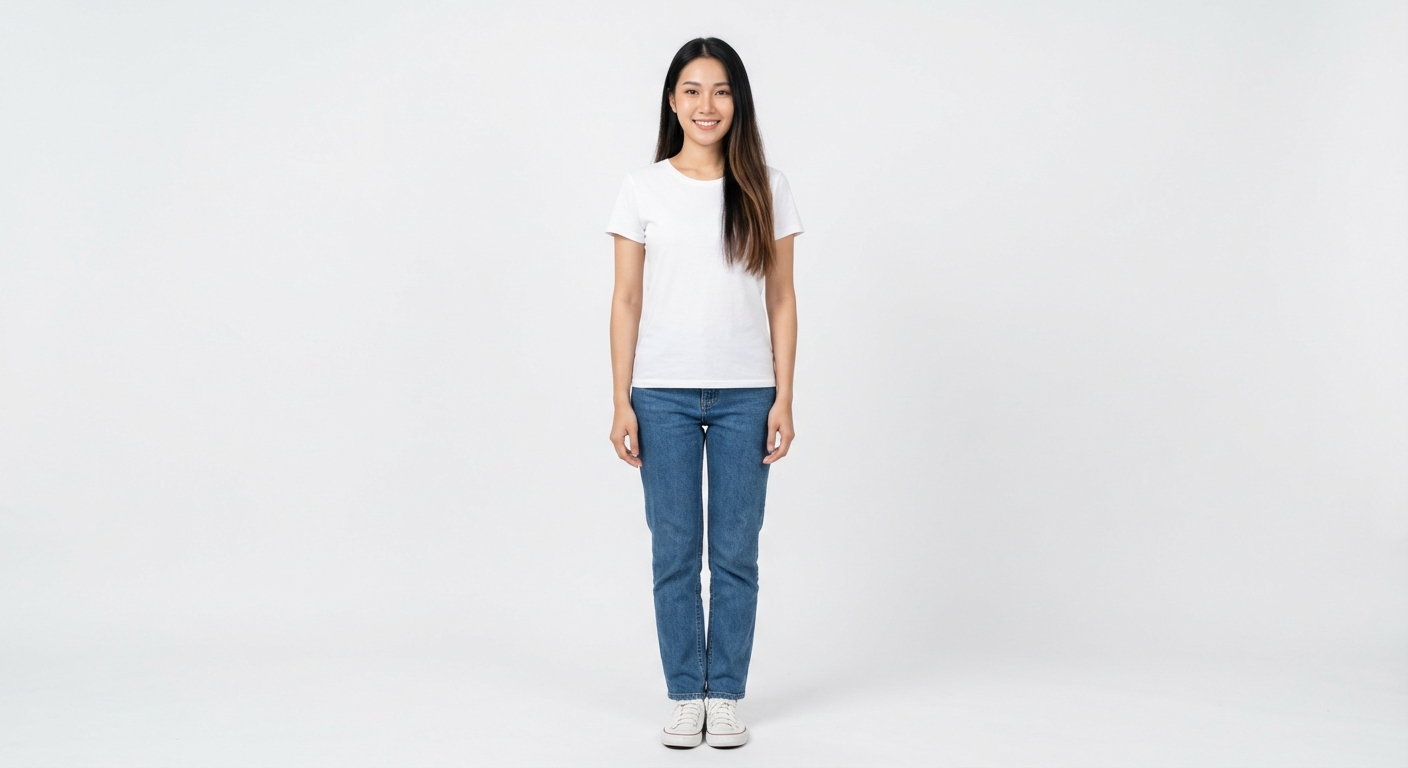
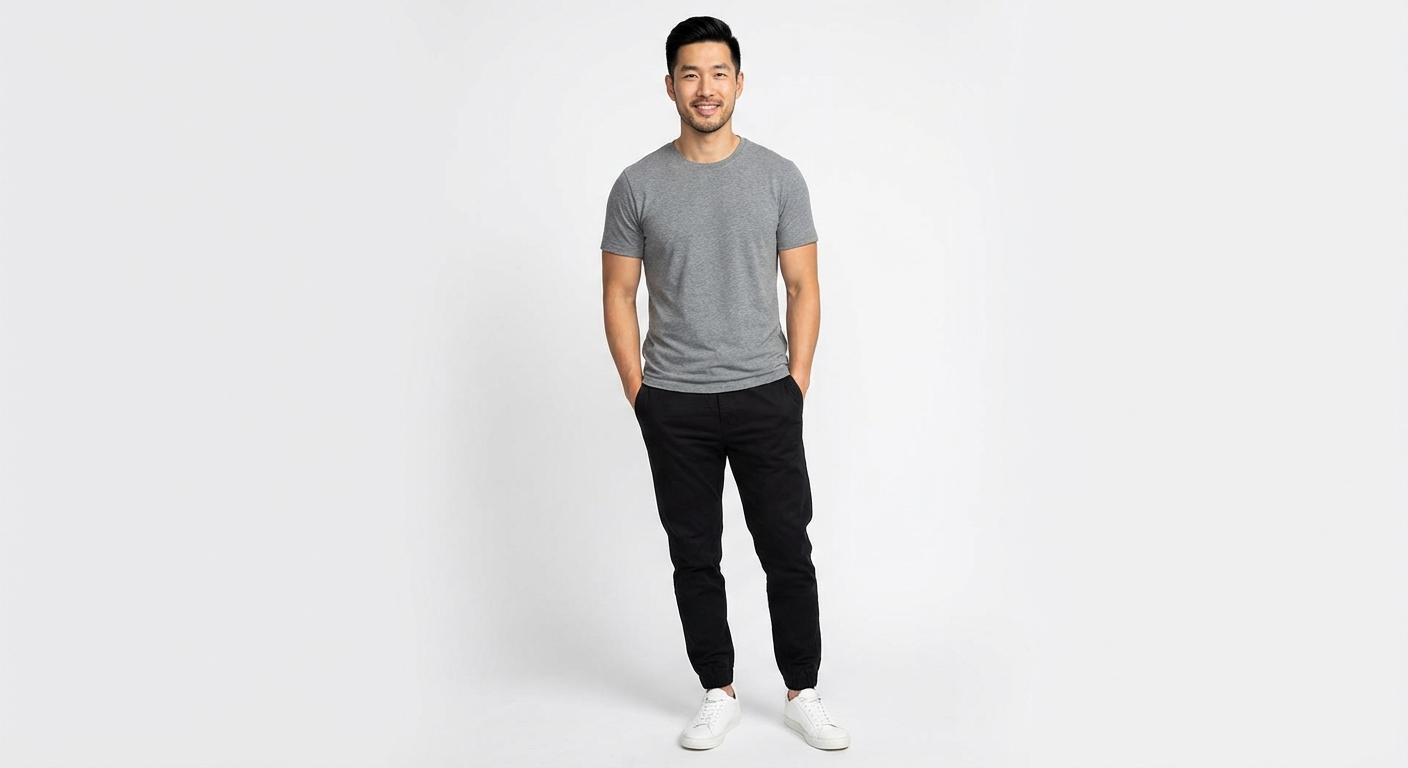
Use a clear, front-facing photo with even lighting and a visible upper body. Avoid heavy face or body obstruction. For the clothing image, choose a clear product photo or screenshot where the item is easy to see and not covered by other objects.
Use the preview to compare overall color, silhouette, and styling direction. Generated details may differ from the real garment, and the image cannot confirm fabric behavior, measurements, size, or exact fit. Check the product page and size chart before buying.
Clear images of tops, shirts, dresses, jackets, suits, sweaters, and similar garments usually give the model more usable visual information. Results can vary when an item is folded, heavily layered, cropped, or blocked by accessories.
A preview usually takes about 30-60 seconds, but timing can vary with image complexity and service load. Pro and Pro+ requests have higher processing priority.
Free users start with 3 credits, enough for one standard Fitting Room preview. Pro includes 20 monthly credits, and Pro+ includes 80 monthly credits.
Photos are processed to provide the Fitting Room service. The Privacy Policy explains the service providers involved, security measures, retention periods, and available privacy rights. Review it before uploading personal images.
Yes. Free supports up to 4 clothing images, Pro up to 6, and Pro+ up to 8. For a clearer comparison, start with the key item that matters most.