From a reference

See a reference look on your own photo, not the model’s.

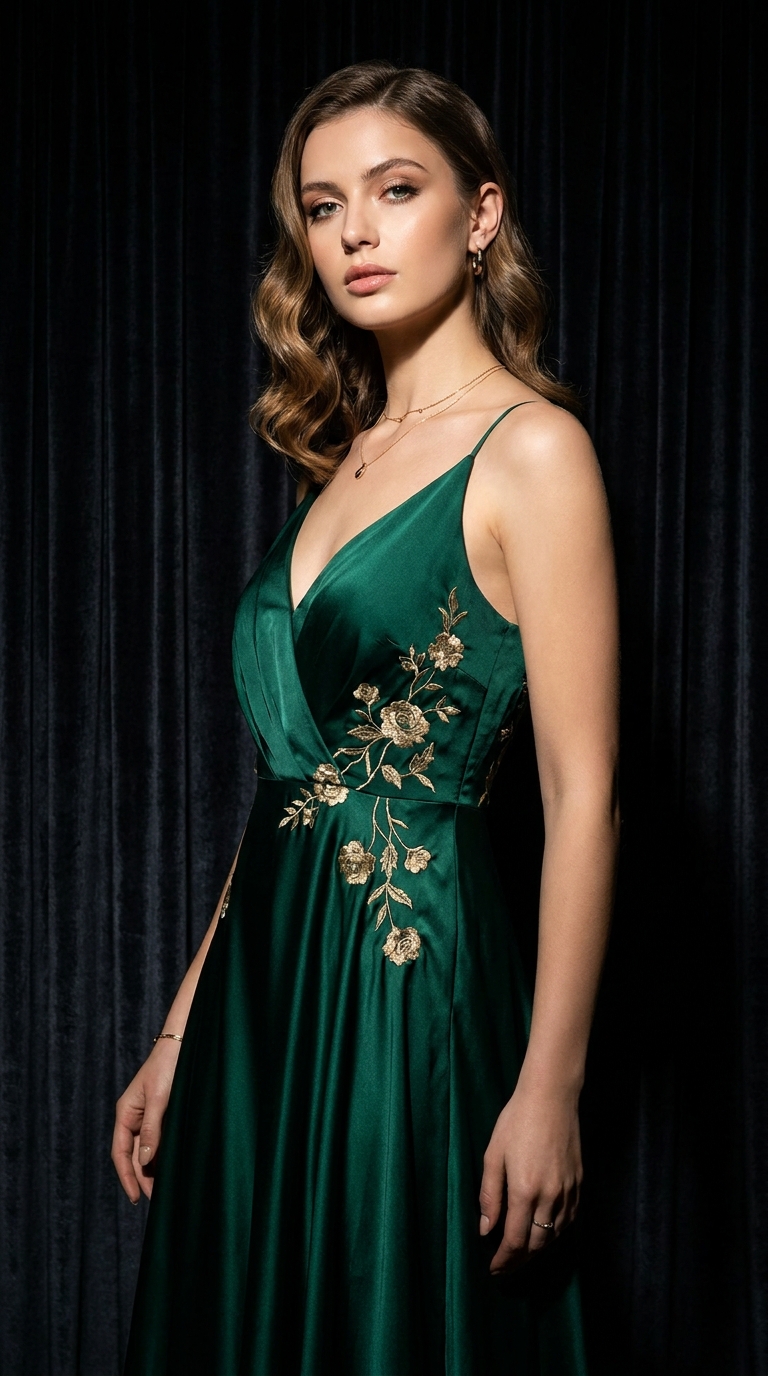
Save a reference outfit from Instagram, Pinterest, or a creator. LookMate AI places the styling direction on your photo so you can compare before buying.

This garment

This garment

Screenshot / Pinterest / closet

Your photo

Your photo

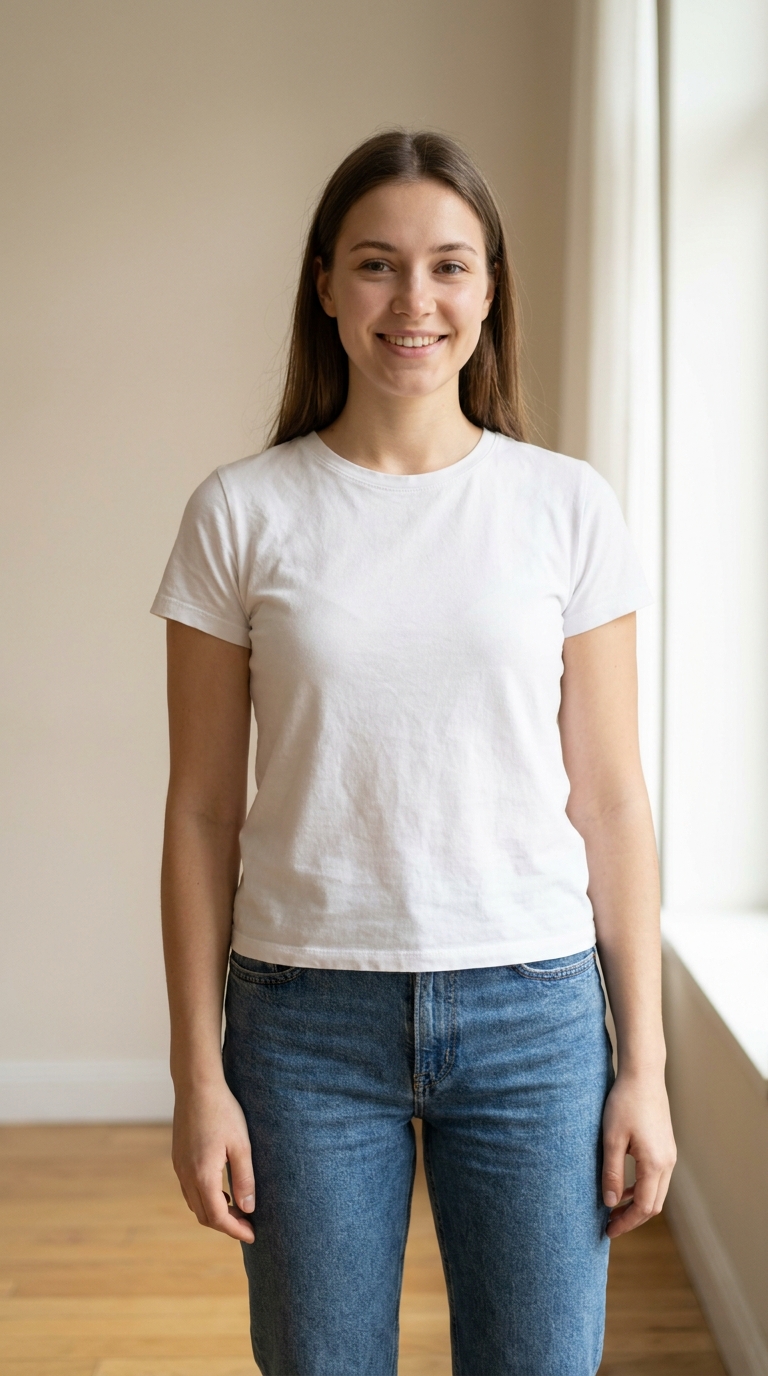
A clear personal shot

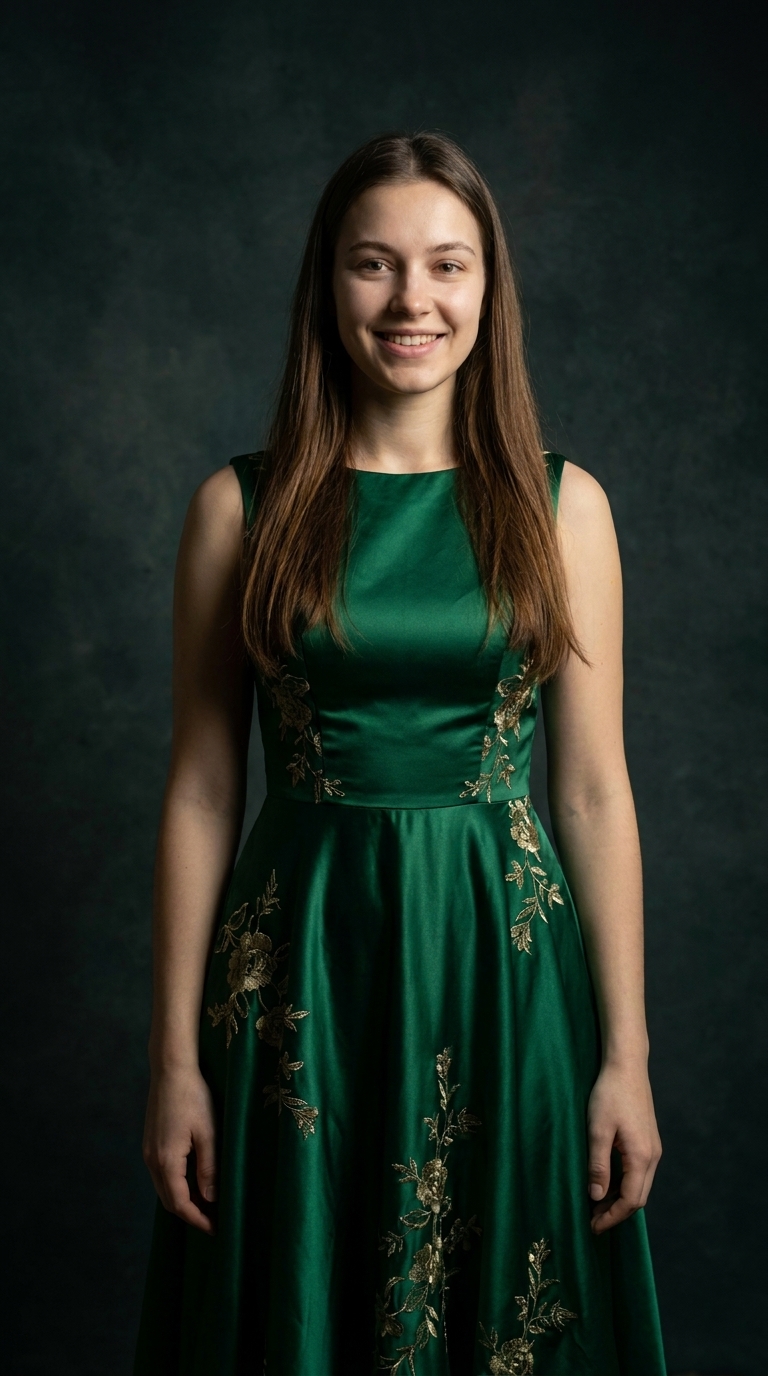
AI try-on preview

AI try-on previewpreview

Similar styling direction on you

Reference → Your photo → AI preview
Try one garment

After tapping, upload the reference and your photo in the Fitting Room.

After the preview

Sort the look into three buckets

After seeing the preview, you do not need to buy everything. Sort the look into: the piece that defines the direction, closet items that already match, and details you can skip.

Bucket A · The statement

One piece that defines the look

Usually the coat, the shoes, or a signature piece. If your budget is tight, start here.

Bucket B · Closet match

Items you already own

You may already have pieces in similar colors or cuts. The preview helps you see which ones match.

Bucket C · Skip

Details you can drop

Not every detail is necessary. Small accessories, scarves, hats can be dropped without changing the direction.

Reference looks

Best when you want the styling direction, not the exact items.

  • Creator, model, celebrity, or Pinterest screenshots
  • Seeing the full styling direction on your photo
  • Deciding which pieces to buy vs closet items
  • Avoiding buying every item in the screenshot

How it works

Copy an outfit the smart way

Compare the reference on your photo, then sort the pieces into three buckets: statement, closet match, and skip.

Upload the reference

Save a screenshot from Instagram, Pinterest, a creator page, or your own closet photo. The clearer the reference, the better LookMate AI can identify the layering, color story, and proportions.

  • ·Screenshot or photo of full look
  • ·Visible layers and silhouette
  • ·No heavy cropping

Add your own photo

Use a clear, front-facing photo with even lighting. LookMate AI will place the reference styling direction on your body so you can see the colors and proportions against your real shape.

  • ·Front-facing pose
  • ·Even lighting
  • ·Visible shoulders and torso

Sort into three buckets

After the preview, decide which piece is the statement, which can be matched from your existing closet, and which can be skipped. This avoids buying everything in the screenshot.

  • ·One statement piece
  • ·Closet substitutes
  • ·Details to skip

FAQ

Copy outfit FAQ

Can I copy a look from Instagram or Pinterest?+

Yes. Save the screenshot and upload it as the reference. LookMate AI identifies the layering, color story, and proportions, then places the direction on your photo.

Do I need to buy every item in the screenshot?+

No. The goal is to copy the styling direction, not the exact wardrobe. After preview, sort pieces into statement, closet match, and skip — then decide what to buy.

What reference images work best?+

Full-body, well-lit screenshots that show the layering and silhouette clearly. Avoid references with heavy filters or cropped body parts.

Where the reference can come from

Any source works

Instagram screenshotPinterest collageCloset outfit photoStreet style capture

LookMate AI

You try this on too

When you see an outfit you like, the goal is not to buy every item. LookMate AI places the styling direction on your photo so you can compare color, silhouette, length, and overall direction. Then decide which pieces fit your wardrobe and which to skip.