Visual try-on preview
Preview a garment on your photo before buying.
Upload your photo and a garment image to compare color, silhouette, and overall styling direction. Use the result as a visual reference, and check product details and physical try-on for fit.
What you need
Online try-on
Your photo
Upload or use the demo
Clothing image
Product photo or screenshot
Preview
Before-and-after preview
Good first previews
Start with pieces that change color and silhouette.
Dresses and skirts
Coats, blazers, and jackets
Shirts, knits, and tees
Pants and full outfit screenshots
Before and after
See how a visual preview is presented.
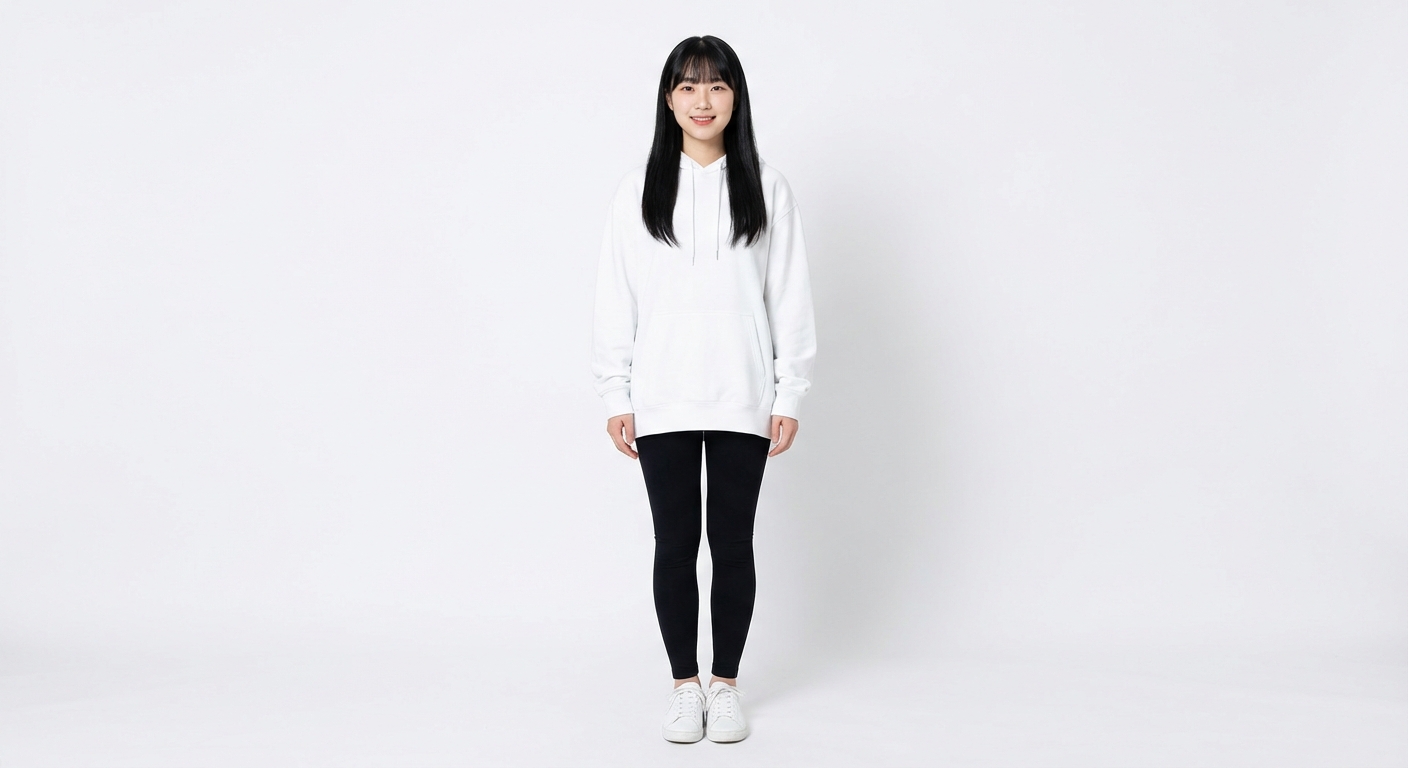
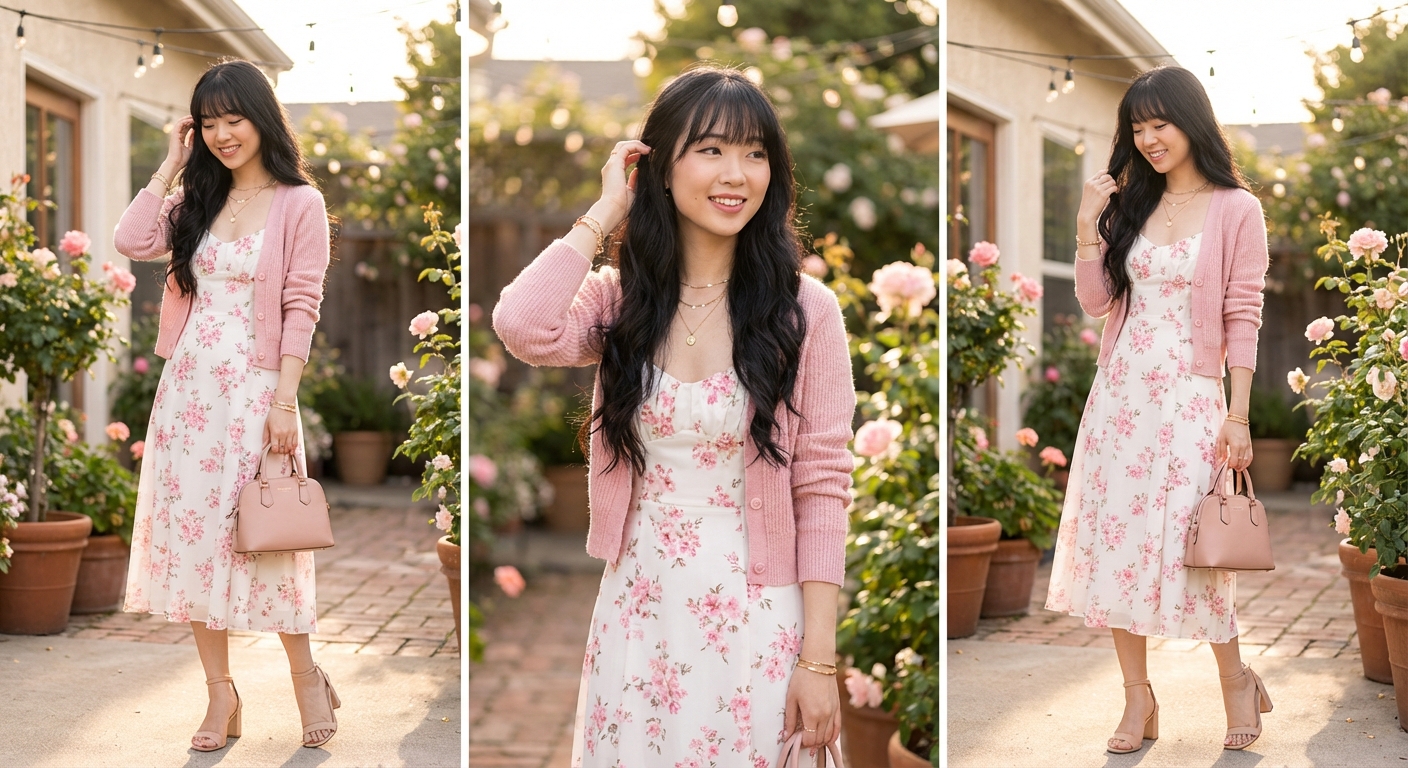
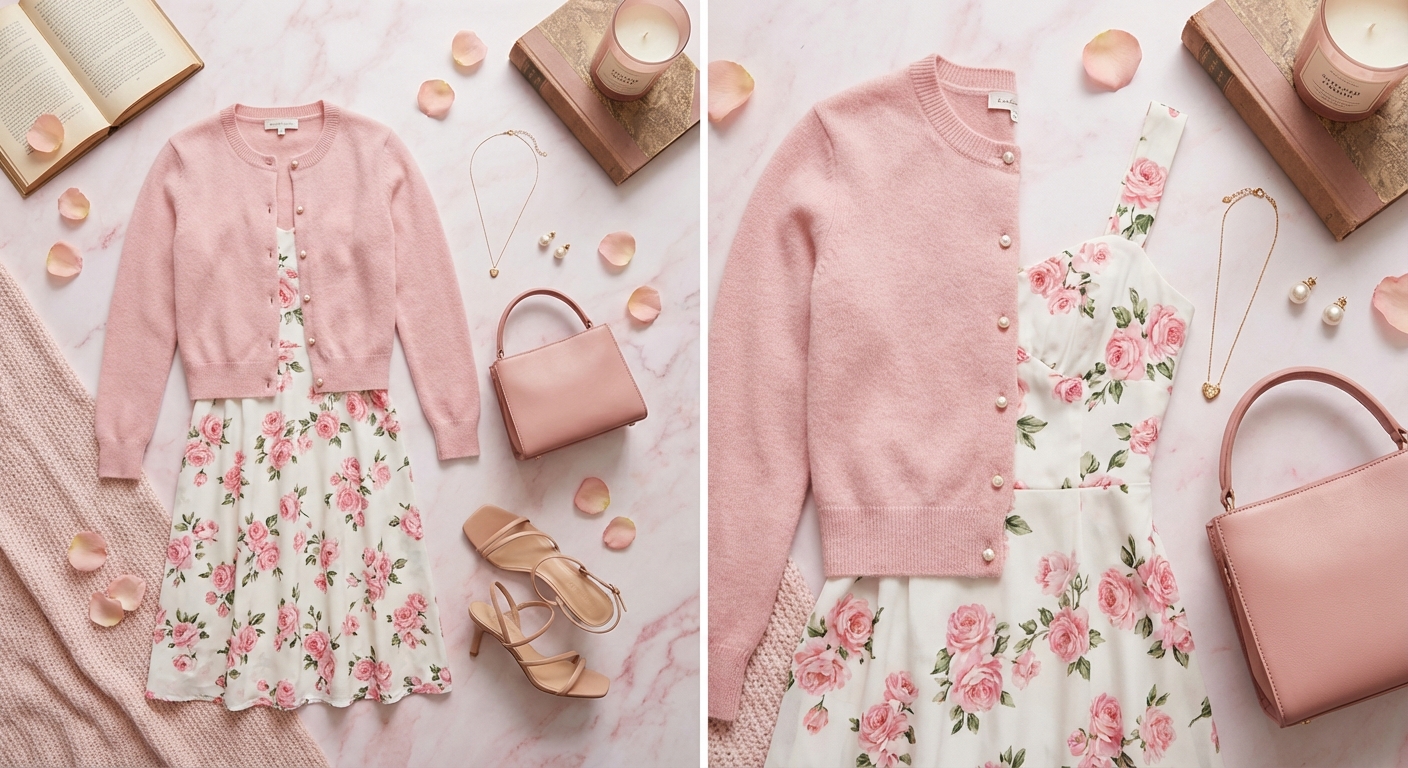
clothing image
Product photo + styling notes
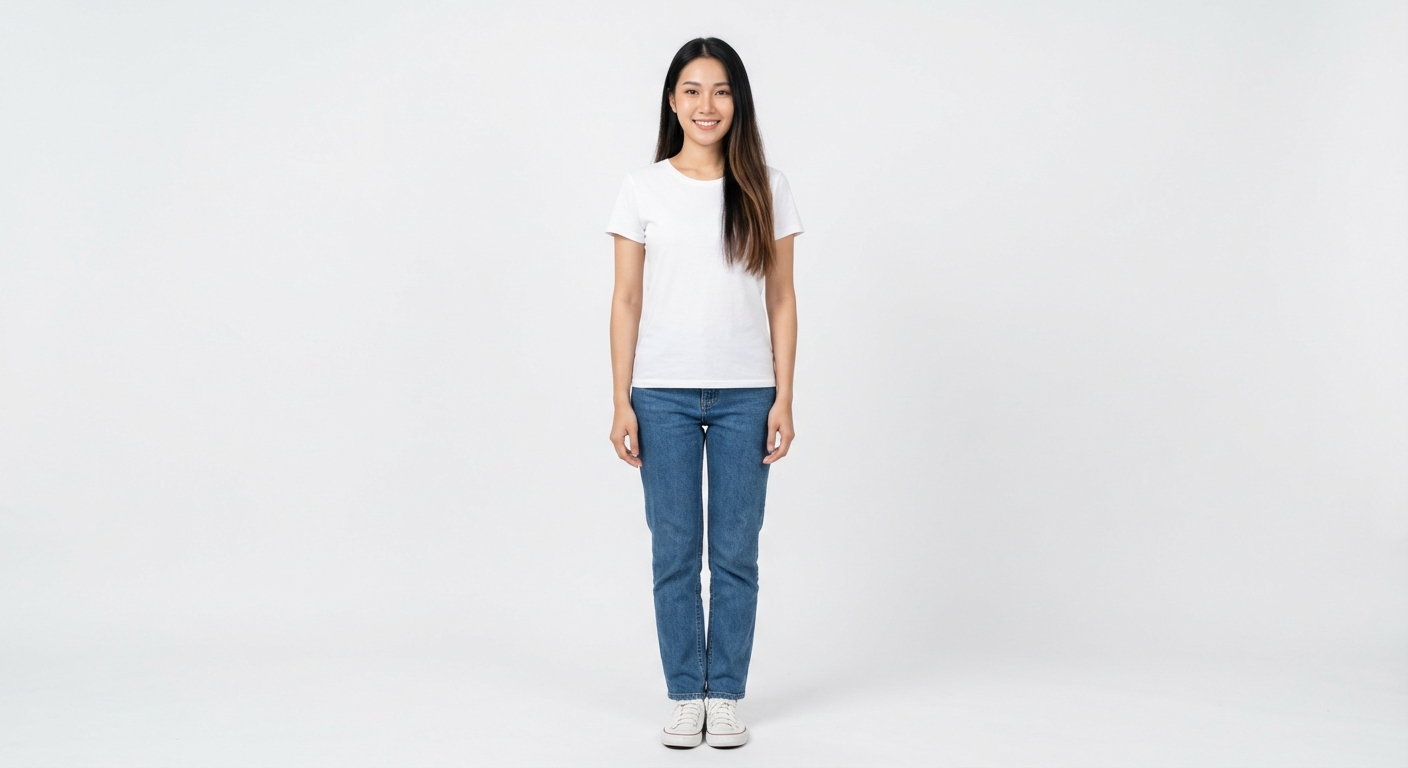
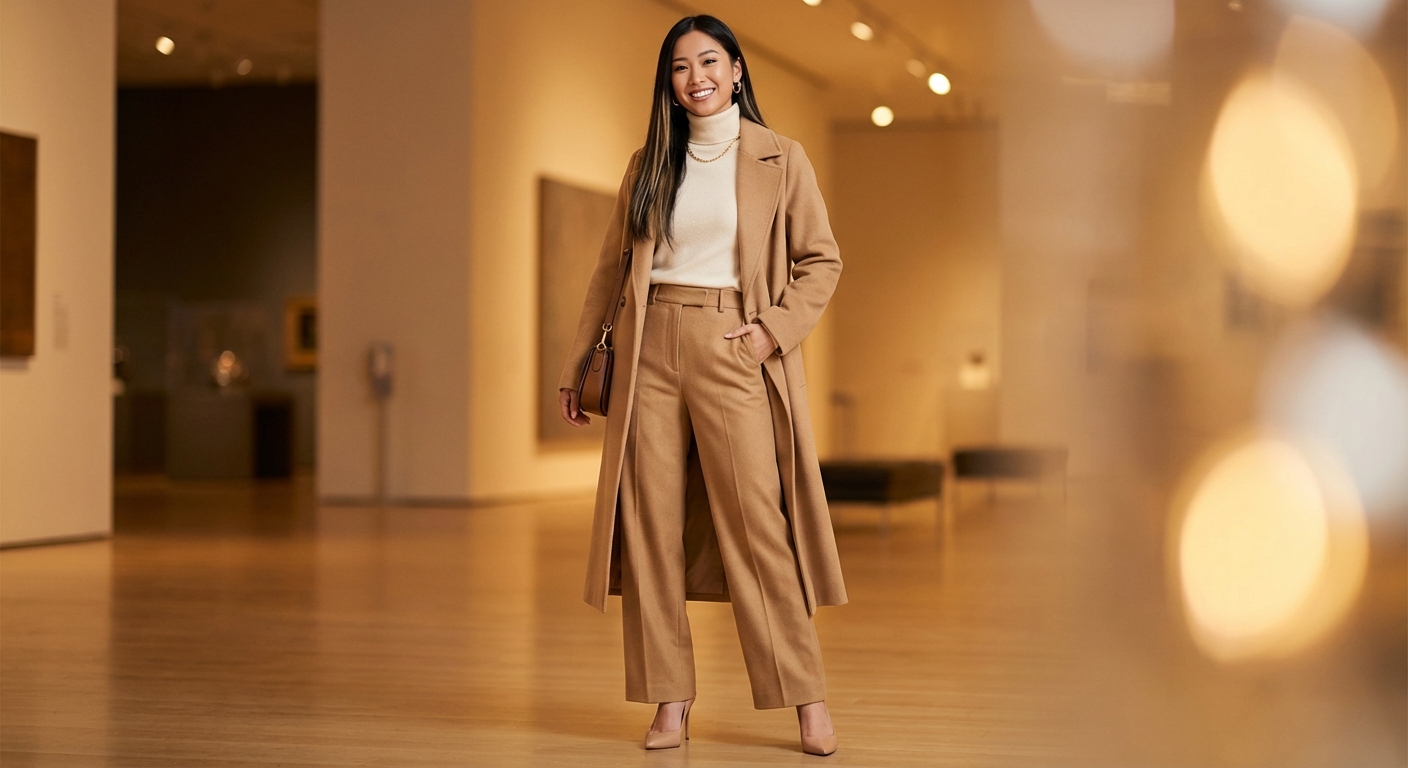
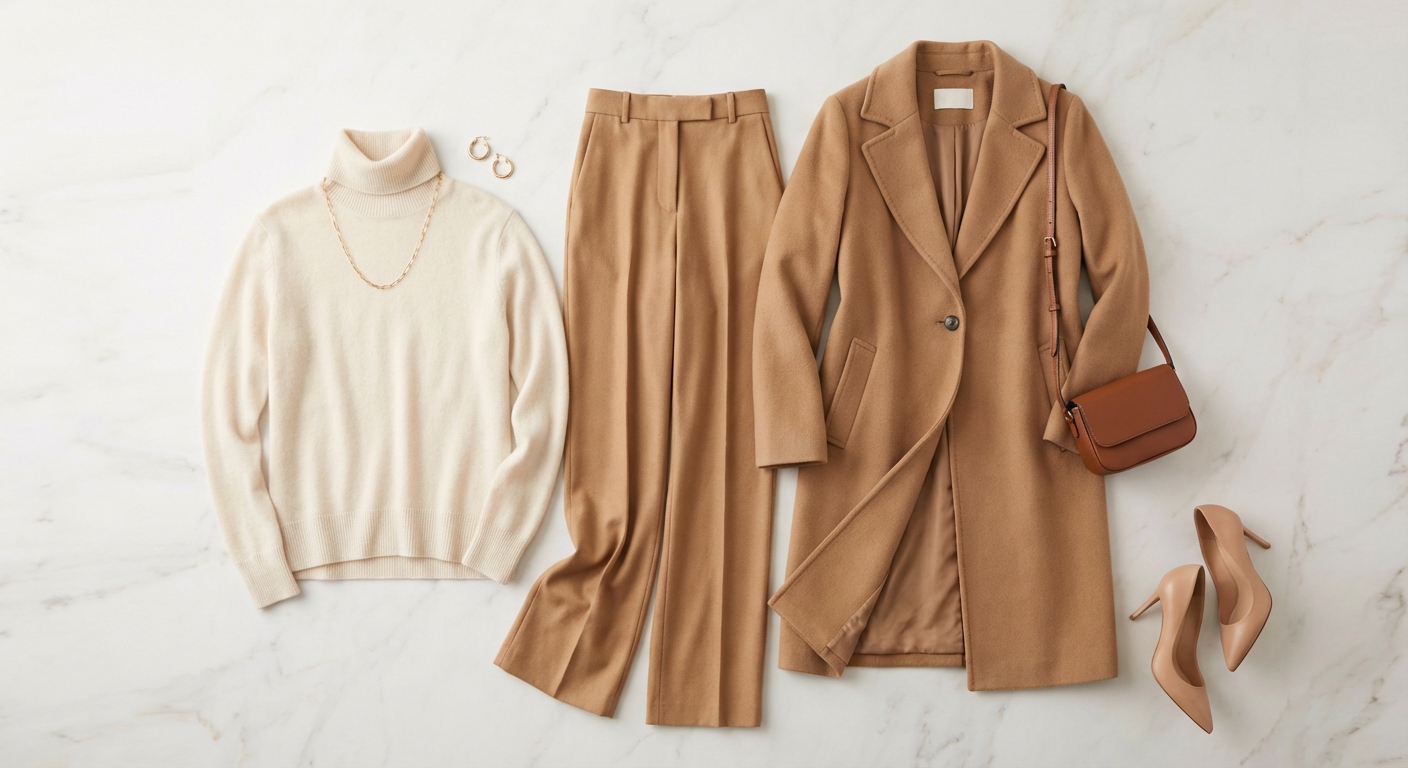
clothing image
Product photo + styling notes
Privacy
Public pages only show demo images.
Personal photos and generation records are handled after sign-in. See the privacy policy for how data is used and retained.
Photos handled in your account
Before uploading, confirm you have permission to use the photo and review the privacy policy for processing and retention details.
FAQ
Visual preview questions
Which images work best for previews?
Dresses, jackets, shirts, trousers, and full-outfit screenshots with clear shapes and little obstruction usually produce easier-to-read previews.
Will my photos be shown publicly?
Public pages show demo images only. Your uploads and generation records are handled in the account flow; see the privacy policy for details.
How is visual try-on different from outfit ideas?
Visual try-on places a selected garment on your photo as an appearance reference. Outfit ideas suggest combinations for an occasion. Neither provides size or physical fit guarantees.