Make the request specific
AI outfit ideas are easier to review when the request has a clear occasion, constraints, and goal. The suggestions are creative references, not guarantees about taste, dress codes, size, or fit.
Add Relevant Details
Include only the profile and body notes that matter to the current outfit request. More information is not always better.
- •Use current measurements when they are relevant
- •Choose a few clear style preferences
- •Remove details that conflict with the current goal
Save Useful References
Save looks so you can compare them later. Do not assume saving or rating automatically trains a personal model.
- •Save outfits you may want to revisit
- •Note what you like or dislike
- •Use those notes in the next request
Describe the Situation
State the occasion, dress code, weather conditions you know, comfort needs, and planned activities.
- •Name the event or occasion
- •Add weather details when relevant
- •State comfort and movement needs
Compare a Few Directions
Ask for two or three distinct options, then compare what fits your taste, wardrobe, budget, and situation.
- •Compare different colors or silhouettes
- •Reuse items you already own
- •Use the Fitting Room as a visual reference for a specific item
Explore More
Related guides
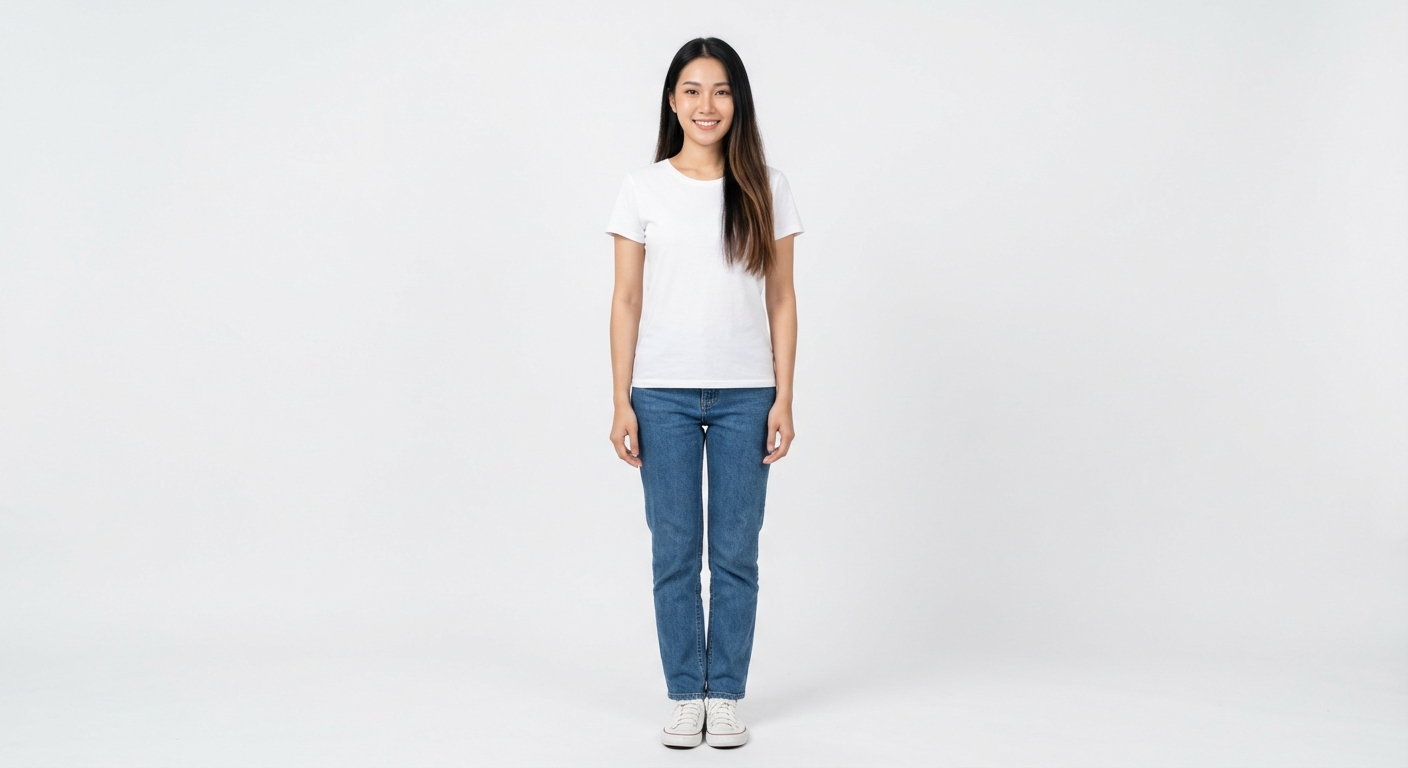
Getting Started with LookMate AI
Set up your account and learn the main styling and preview workflows.
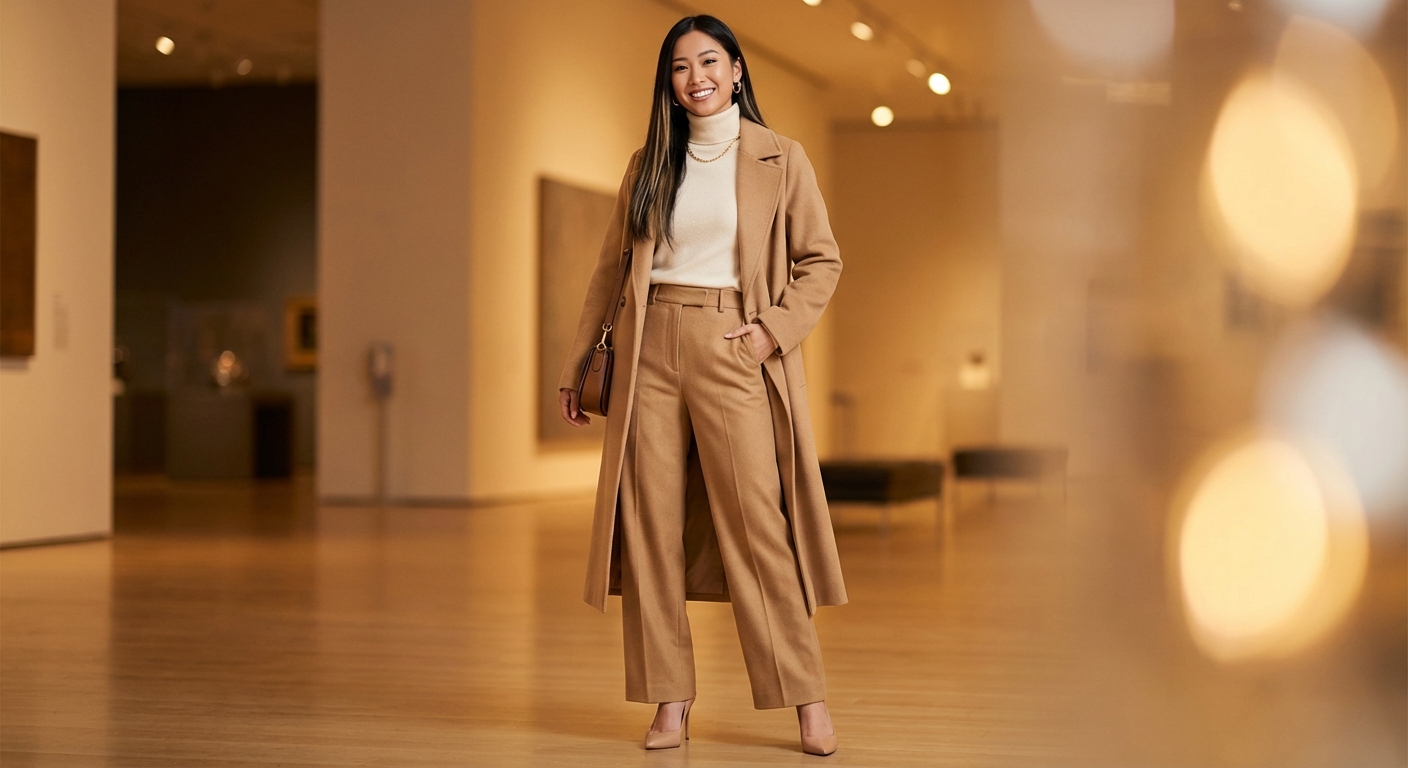
How to Use the Fitting Room
Prepare clear photos, generate a clothing preview, and understand its limits.
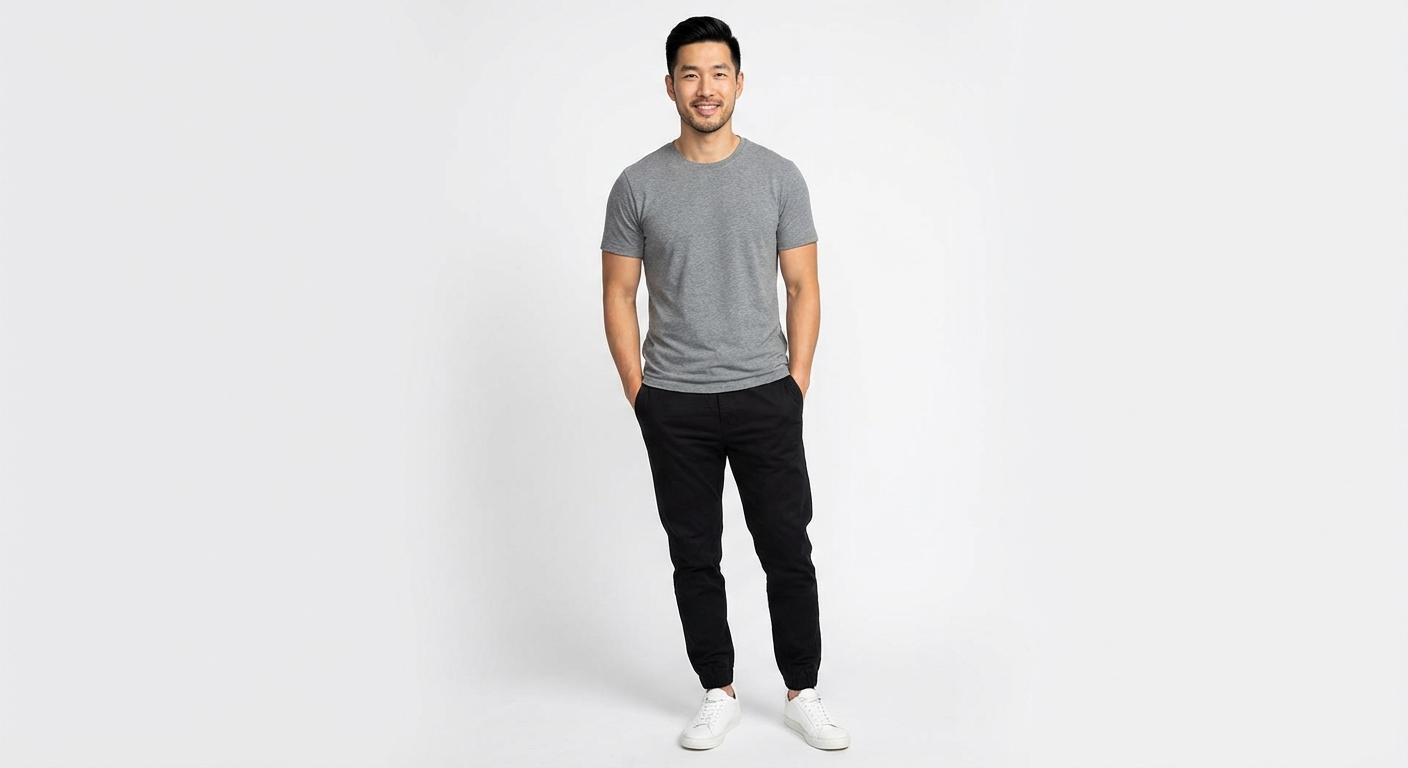
Style Context and Customization
Use style, color, occasion, and weather context that you choose to provide.
Start here
Try a more specific request
Add your occasion, constraints, and preferred direction, then compare the result with your real needs.