Using Virtual Try-On Before Buying Clothes Online
Use virtual try-on as a visual planning tool for color and silhouette, not as proof of size or garment fit.
Add a person photo and a garment image first. Create a free account only when you are ready to generate.
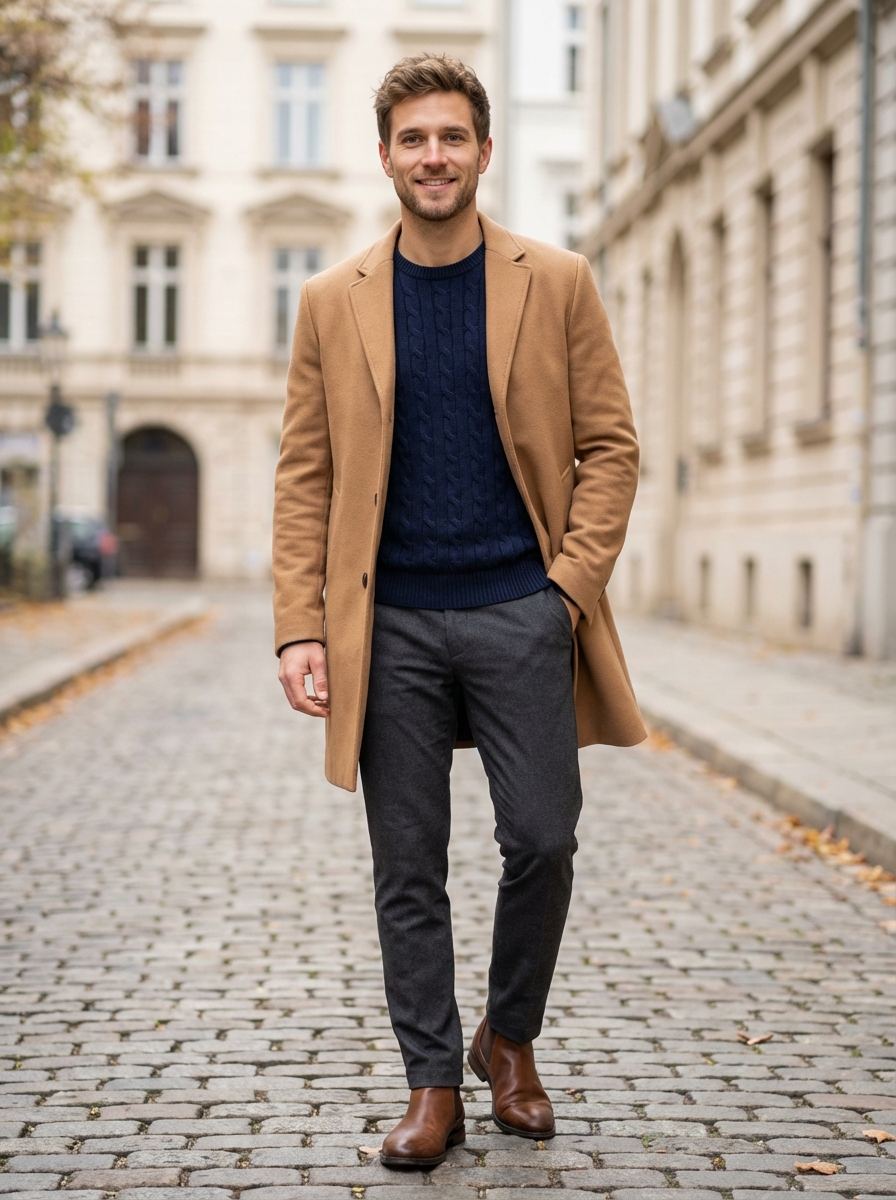
Why Online Clothing Decisions Are Difficult
Product images are made to show the garment clearly and attractively, but they cannot show every shopper's proportions, coloring, styling, or movement. Brand sizing and fabric behavior also vary.
Virtual try-on adds another visual reference before checkout. It does not remove the need to read the product information.
What Virtual Try-On Is
AI virtual try-on combines a person photo and a garment image to generate a new image of the person wearing a visual interpretation of that item.
Depending on the system and inputs, the model may estimate pose, visible body regions, garment shape, lighting, and areas hidden by the clothing change.
What It Can Help You Compare
- Color near your face or against the rest of an outfit
- General silhouette, coverage, and visual volume
- Several styling options before ordering
- Whether an unfamiliar design direction is worth exploring
What It Cannot Confirm
- The correct brand size
- Physical tightness, looseness, or comfort
- Fabric weight, stretch, texture, or transparency
- Exact drape, movement, construction, and durability
Step 1: Choose a Useful Person Photo
- Use even lighting and a simple background.
- Face the camera with a natural posture.
- Keep the relevant body area visible.
- Avoid multiple people, heavy filters, and major obstructions.
Step 2: Choose a Clear Garment Image
- Show the full garment and its edges.
- Prefer front-facing product images or flat lays.
- Avoid hands, bags, text, or other objects covering the item.
- Use enough resolution to keep patterns and construction visible.
Step 3: Generate and Inspect
Upload both images to a tool such as LookMate AI's Fitting Room. Processing time varies. When the result appears, inspect the neckline, sleeves, hem, hands, face, and background for distortions.
If an important area looks wrong, try a cleaner input or another product image. Do not infer real fit from a corrected-looking image.
Use Cases
Comparing Products
Preview two colors, lengths, or silhouettes, then continue with measurements, fabric details, reviews, and return terms.
Planning an Occasion Outfit
Compare several visual directions for a wedding, interview, trip, or date before deciding which pieces are worth finding or ordering.
Reworking a Reference Look
Use a saved outfit as inspiration, then change the rise, length, color, or volume to suit your wardrobe rather than copying every detail.
Reviewing a Seasonal Purchase
Check whether a coat, dress, or holiday item works with the shoes and layers you already own.
A Safer Purchase Checklist
- Compare the preview for visual direction.
- Read the retailer's size chart and garment measurements.
- Compare those measurements with a similar item you own.
- Check fabric composition, care, shipping, and returns.
- Use a physical try-on when fit or comfort is especially important.
Next Step
Open the LookMate AI Fitting Room when you have a clear person photo and garment image. For input tips, see the step-by-step virtual try-on guide.
How to use this guide next
If you already have a garment or shopping screenshot, see how LookMate AI online try-on compares silhouette, color, and proportion on your own photo. If you are still planning the look, start with AI outfit recommendations, then compare related ideas in the outfit topic library.
For more previews or cleaner exports, review the pricing and credit plans. For better try-on inputs, follow the virtual try-on guide.
Related reading
- How to Choose Clothes for Your Proportions - Use body proportions as one styling input, then assess garment measurements, comfort, tailoring, and the look you prefer.
- Seven AI Virtual Try-On Tools and Their Limits - Compare seven virtual try-on tools by access, supported products, personalization, and limitations without treating this list as a ranking.
- Five Breathable Summer Outfit Ideas for 2026 - Try five breathable summer outfit formulas built around linen, cotton, balanced proportions, and pieces that can be worn repeatedly.
- Learn how to try your next clothing item online - review supported images, preview scope, and limitations.
AI try-on is a visual preview of color, silhouette, and styling direction. It does not confirm size, physical fit, fabric feel, or comfort.
Share this article
Start here
Have a garment or shopping screenshot ready?
Upload your photo and garment image first. Create a free account when you generate; 3 starter credits cover one standard preview.
Explore More
Continue reading
How to Choose Clothes for Your Proportions
Use body proportions as one styling input, then assess garment measurements, comfort, tailoring, and the look you prefer.
Seven AI Virtual Try-On Tools and Their Limits
Compare seven virtual try-on tools by access, supported products, personalization, and limitations without treating this list as a ranking.
Five Breathable Summer Outfit Ideas for 2026
Try five breathable summer outfit formulas built around linen, cotton, balanced proportions, and pieces that can be worn repeatedly.