Is Your Interview Outfit Too Formal or Too Casual?
A practical interview outfit framework for judging workplace norms, camera framing, comfort, and the right level of polish.
Add a person photo and a garment image first. Create a free account only when you are ready to generate.
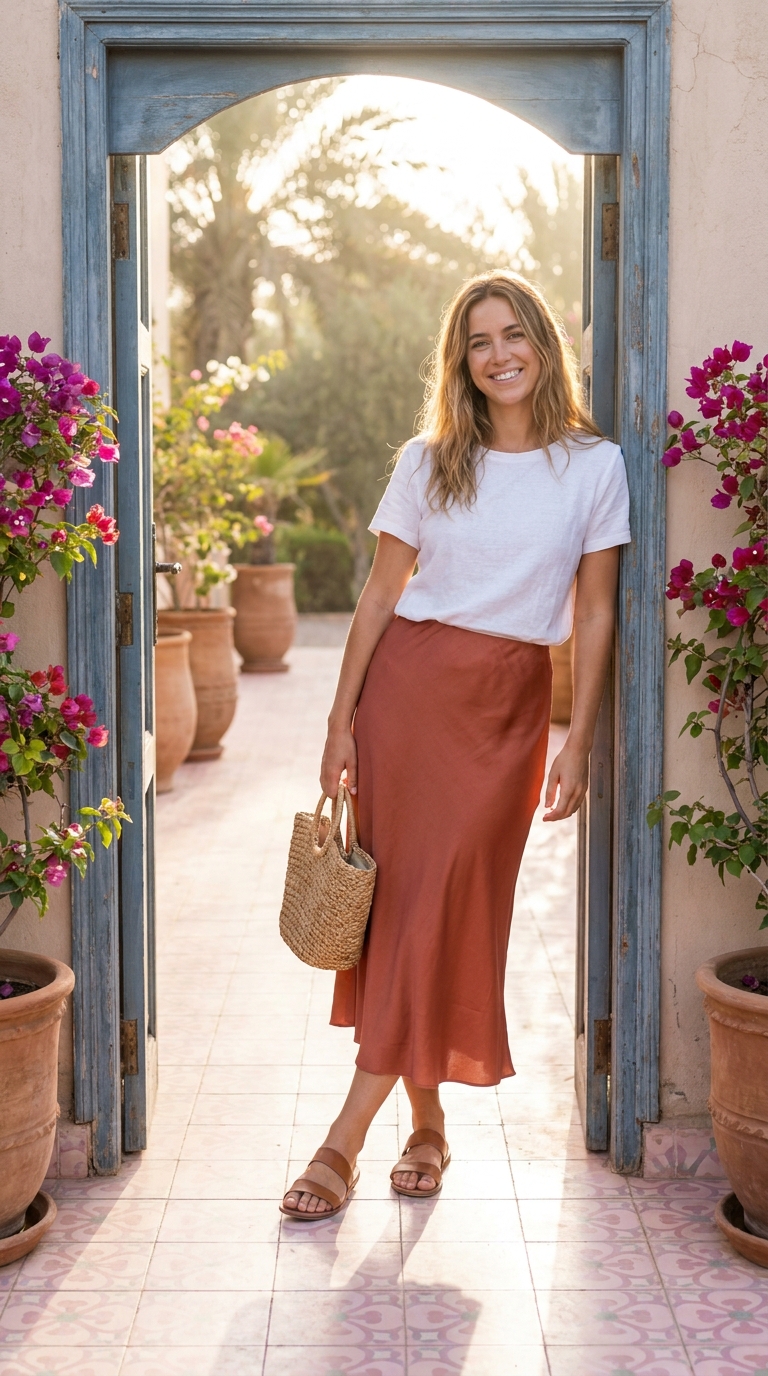
There Is No Universal Interview Uniform
A suit may be expected at one company and distracting at another. Sneakers may be ordinary in a creative studio and inappropriate for a client-facing role. The job, industry, company culture, interview format, and location all change the answer.
The goal is to look prepared and intentional without looking like you ignored the workplace you are hoping to join.
Collect Four Signals
- Role: A client-facing, legal, finance, or leadership role may call for more structure than an internal creative role.
- Company: Look at the team's public photos and written guidance, but do not assume every image is a dress code.
- Format: Video interviews emphasize the neckline, shoulder line, and contrast near your face.
- Day: Weather, commute, walking, and waiting time affect shoes and layers.
When information is missing, choose a polished baseline and remove one formal element for a slightly more relaxed alternative.
Use the One-Structured-Piece Rule
Start with one structured piece: a blazer, tailored trousers, a crisp shirt, a clean knit with a clear neckline, or a polished dress. Keep the other pieces comfortable and quiet. This creates intention without making the outfit feel like a costume.
For a video call, test the outfit through the camera you will actually use. A color that looks balanced in person can disappear into the background, while a small pattern can become distracting on screen.
Test the Outfit While Moving
Interview clothes should work while sitting, standing, walking into a building, reaching for a bag, and waiting. Check whether the jacket pulls, the waistband digs in, the shoes are wearable, or the fabric wrinkles in a way that will distract you.
You can use LookMate AI to compare the visual direction of two interview outfits on your photo, especially color, silhouette, and level of polish. It does not decide whether the company will accept the outfit, and it cannot verify physical comfort.
What “Too Casual” Usually Looks Like
The problem is often not one relaxed item. It is a combination with no clear finishing signal: worn shoes, a stretched neckline, rumpled fabric, or layers that look accidental. Keep one area crisp and make sure the clothes are clean, maintained, and appropriate to the role.
What “Too Formal” Usually Looks Like
An outfit can feel too formal when every item communicates ceremony, when the cut is uncomfortable, or when it visibly conflicts with the workplace context. Replace one formal element with a simpler version rather than abandoning the whole look.
The Safe Final Check
Ask someone who understands the industry to review the outfit, then make sure you can move and concentrate in it. Preparedness is the signal. The clothes should support it, not become the main event.
How to use this guide next
If you already have a garment or shopping screenshot, see how LookMate AI online try-on compares silhouette, color, and proportion on your own photo. If you are still planning the look, start with AI outfit recommendations, then compare related ideas in the outfit topic library.
For more previews or cleaner exports, review the pricing and credit plans. For better try-on inputs, follow the virtual try-on guide.
Related reading
- How to Choose Clothes for Your Proportions - Use body proportions as one styling input, then assess garment measurements, comfort, tailoring, and the look you prefer.
- Seven AI Virtual Try-On Tools and Their Limits - Compare seven virtual try-on tools by access, supported products, personalization, and limitations without treating this list as a ranking.
- Five Breathable Summer Outfit Ideas for 2026 - Try five breathable summer outfit formulas built around linen, cotton, balanced proportions, and pieces that can be worn repeatedly.
- Learn how to try your next clothing item online - review supported images, preview scope, and limitations.
AI try-on is a visual preview of color, silhouette, and styling direction. It does not confirm size, physical fit, fabric feel, or comfort.
Share this article
Start here
Have a garment or shopping screenshot ready?
Upload your photo and garment image first. Create a free account when you generate; 3 starter credits cover one standard preview.
Explore More
Continue reading
How to Choose Clothes for Your Proportions
Use body proportions as one styling input, then assess garment measurements, comfort, tailoring, and the look you prefer.
Seven AI Virtual Try-On Tools and Their Limits
Compare seven virtual try-on tools by access, supported products, personalization, and limitations without treating this list as a ranking.
Five Breathable Summer Outfit Ideas for 2026
Try five breathable summer outfit formulas built around linen, cotton, balanced proportions, and pieces that can be worn repeatedly.