How AI Virtual Try-On Creates Clothing Previews
See how computer vision, segmentation, and image synthesis create visual clothing previews, along with the limits shoppers should understand.
Add a person photo and a garment image first. Create a free account only when you are ready to generate.
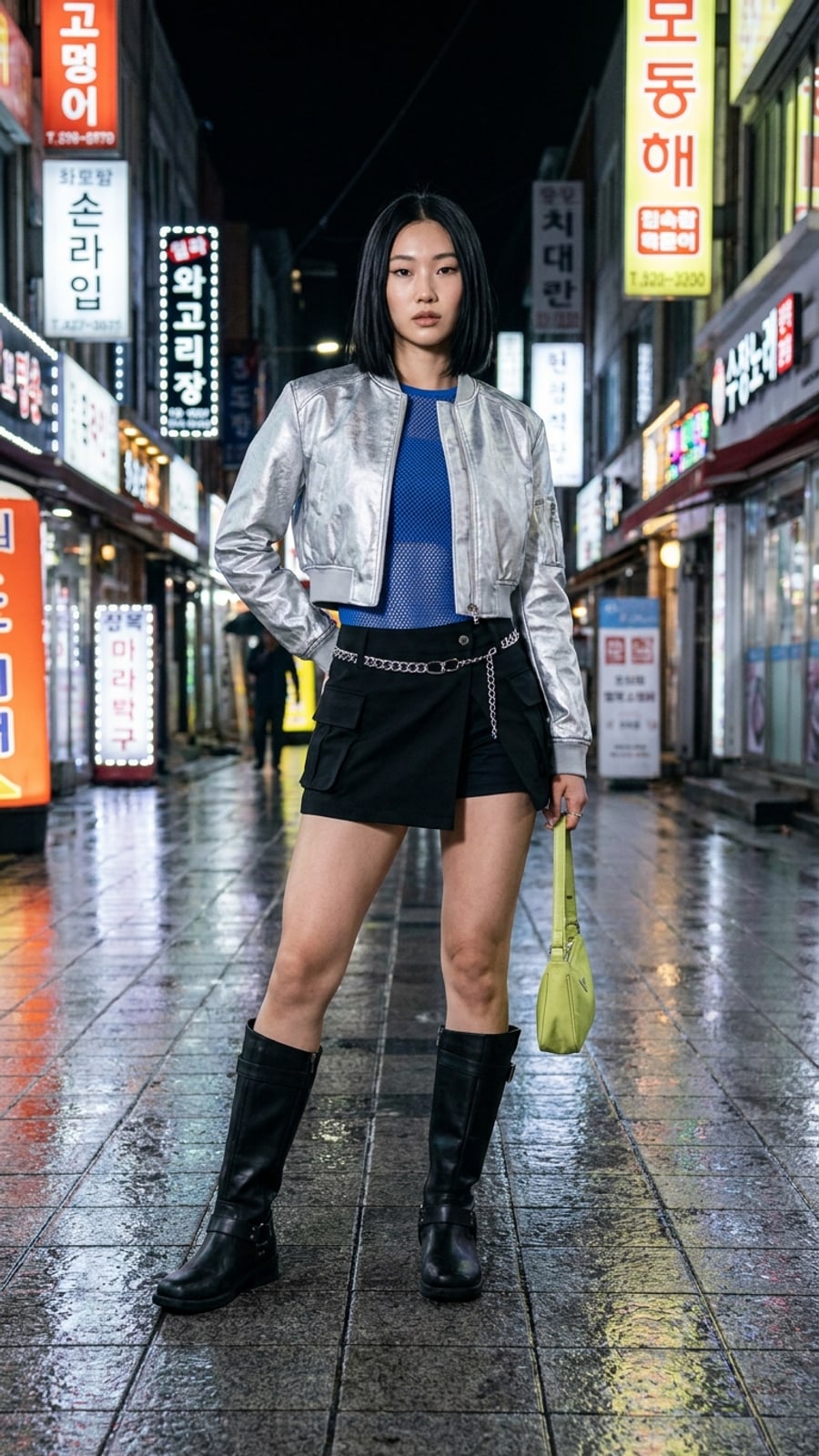
What Virtual Try-On Produces
AI virtual try-on generates an image that places a clothing item onto a photo of a person. The result is useful for comparing color, silhouette, coverage, and styling direction before ordering.
It is a visual preview, not a measurement tool. It cannot confirm garment size, physical fit, comfort, fabric feel, or how the item will move in real life.
The Main Technical Stages
1. Understanding the Person Image
Computer-vision models identify pose, visible body regions, existing clothing, and lighting cues. Clear photos make those cues easier to read.
2. Understanding the Garment
The system separates the garment from its background and estimates features such as neckline, sleeves, length, pattern, and visible texture.
3. Aligning Person and Garment
The garment information is adapted to the pose in the person image. This stage has to preserve recognizable details while placing them into a different shape and perspective.
4. Synthesizing the Preview
An image-generation model combines the inputs and reconstructs areas affected by the clothing change. It also attempts to keep lighting, shadows, face, hands, and background visually consistent.
How LookMate AI Uses the Workflow
LookMate AI lets you upload a person photo and a garment image in the Fitting Room. Review the output for visual comparison, and check the retailer's size chart and garment measurements separately.
Where Results Can Break Down
- Busy backgrounds or several people in one image
- Hidden limbs, unusual poses, or very loose existing clothes
- Garment images with missing edges or heavy styling
- Complex transparency, shine, fringe, or layered construction
If a detail looks distorted, try a clearer input rather than treating the generated image as evidence of real-world fit.
How to use this guide next
If you already have a garment or shopping screenshot, see how LookMate AI online try-on compares silhouette, color, and proportion on your own photo. If you are still planning the look, start with AI outfit recommendations, then compare related ideas in the outfit topic library.
For more previews or cleaner exports, review the pricing and credit plans. For better try-on inputs, follow the virtual try-on guide.
Related reading
- How to Choose Clothes for Your Proportions - Use body proportions as one styling input, then assess garment measurements, comfort, tailoring, and the look you prefer.
- Seven AI Virtual Try-On Tools and Their Limits - Compare seven virtual try-on tools by access, supported products, personalization, and limitations without treating this list as a ranking.
- Five Breathable Summer Outfit Ideas for 2026 - Try five breathable summer outfit formulas built around linen, cotton, balanced proportions, and pieces that can be worn repeatedly.
- Learn how to try your next clothing item online - review supported images, preview scope, and limitations.
AI try-on is a visual preview of color, silhouette, and styling direction. It does not confirm size, physical fit, fabric feel, or comfort.
Share this article
Start here
Have a garment or shopping screenshot ready?
Upload your photo and garment image first. Create a free account when you generate; 3 starter credits cover one standard preview.
Explore More
Continue reading
How to Choose Clothes for Your Proportions
Use body proportions as one styling input, then assess garment measurements, comfort, tailoring, and the look you prefer.
Seven AI Virtual Try-On Tools and Their Limits
Compare seven virtual try-on tools by access, supported products, personalization, and limitations without treating this list as a ranking.
Five Breathable Summer Outfit Ideas for 2026
Try five breathable summer outfit formulas built around linen, cotton, balanced proportions, and pieces that can be worn repeatedly.