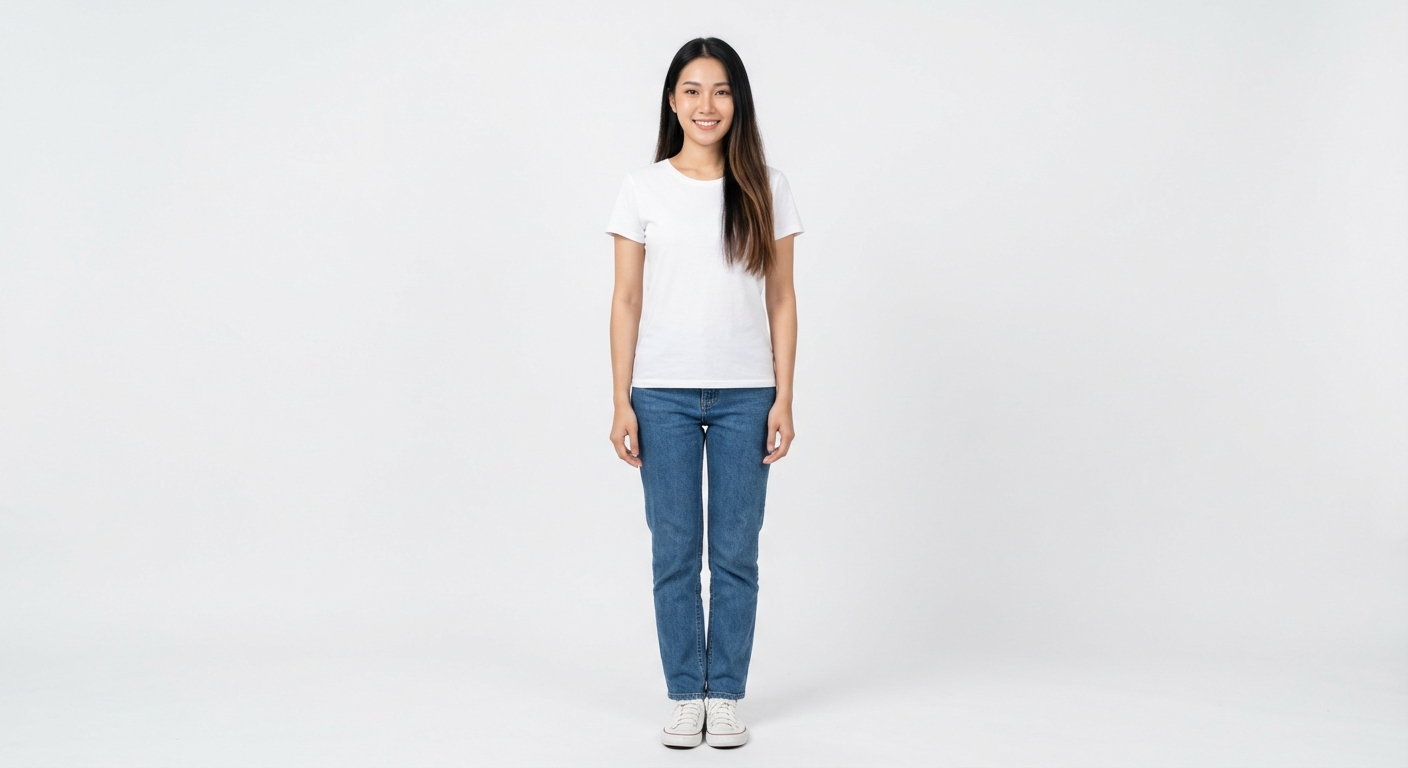
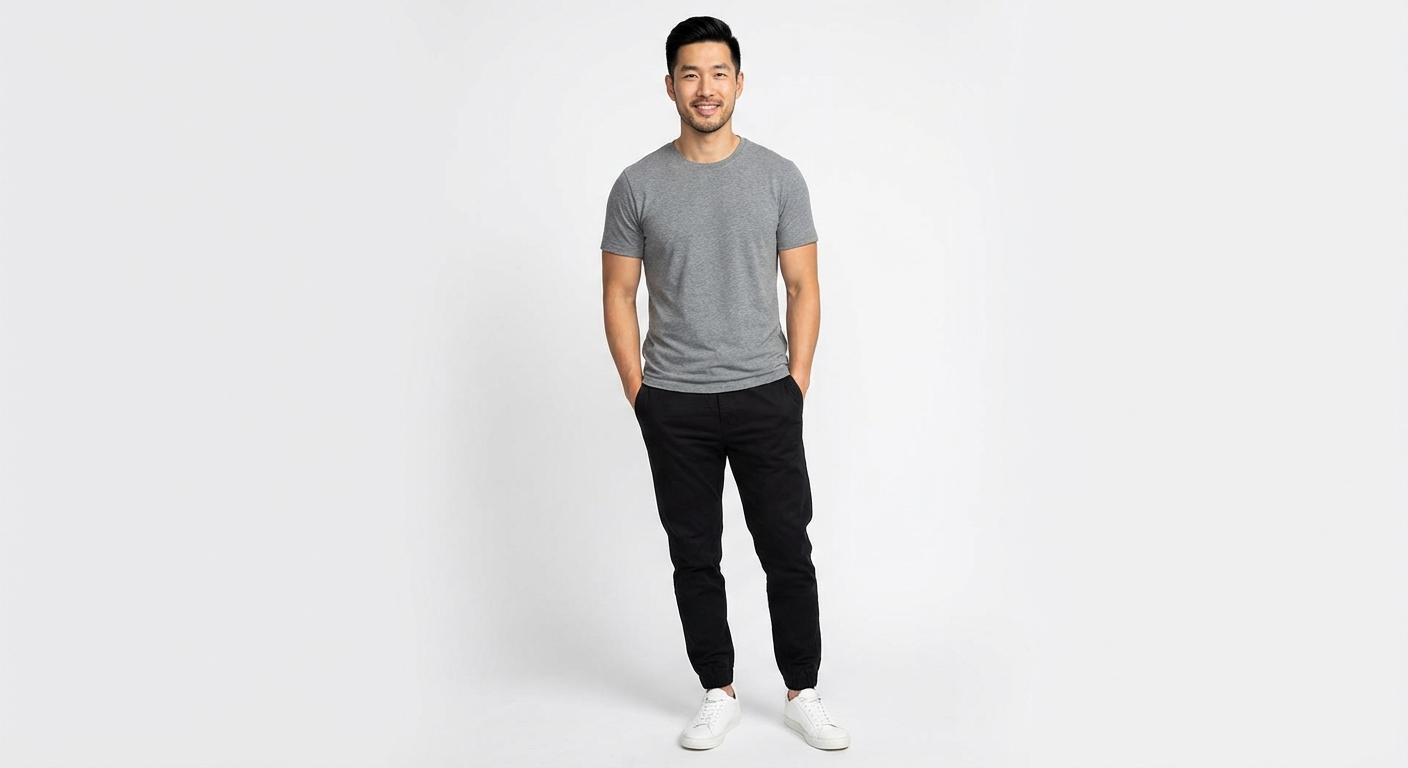
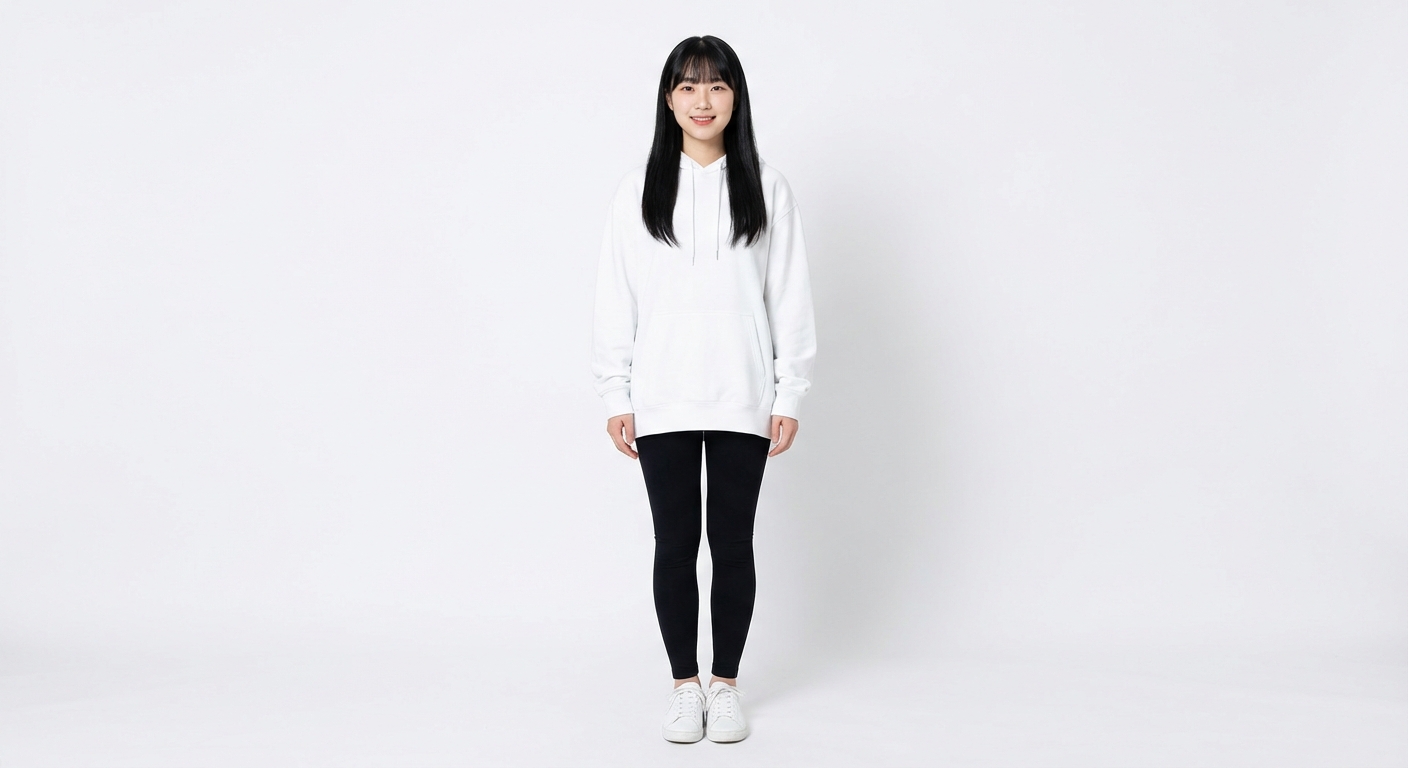
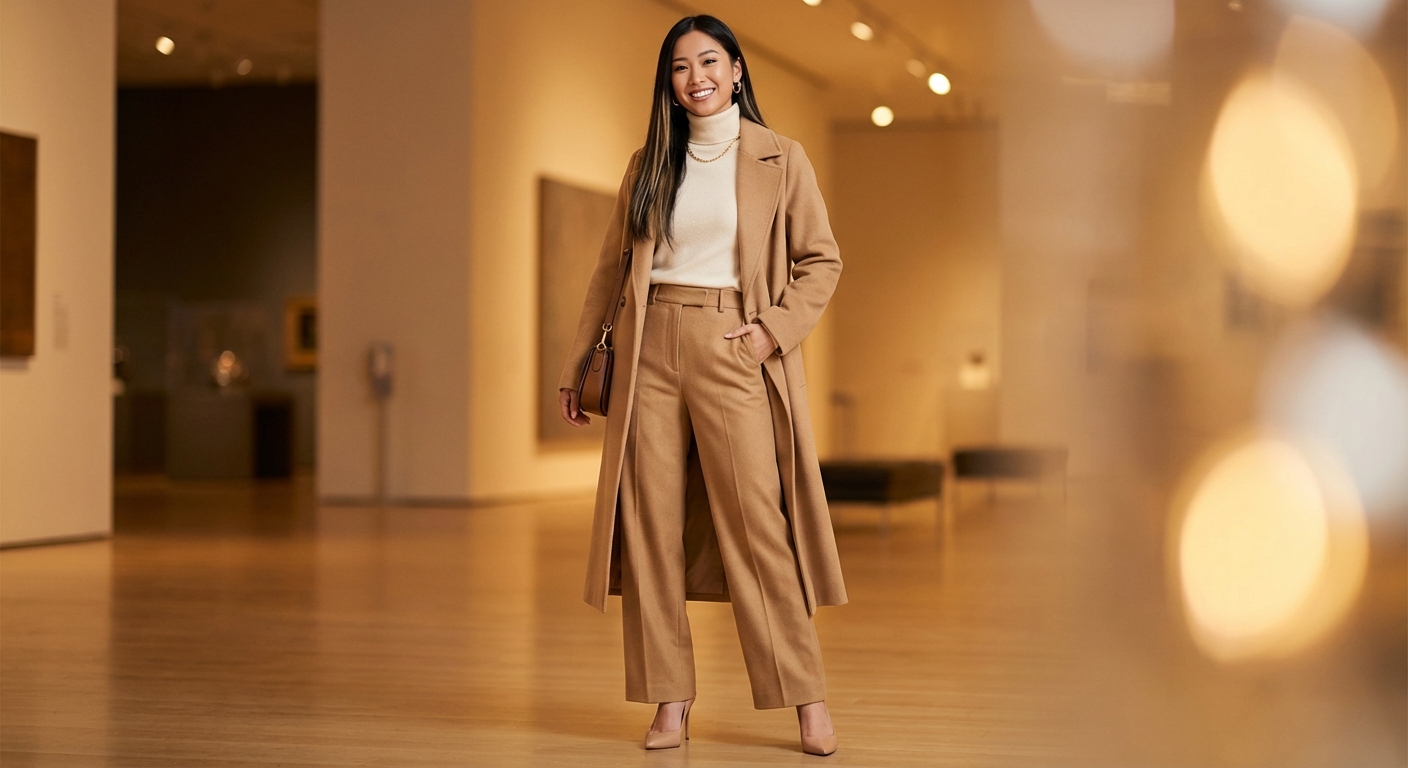
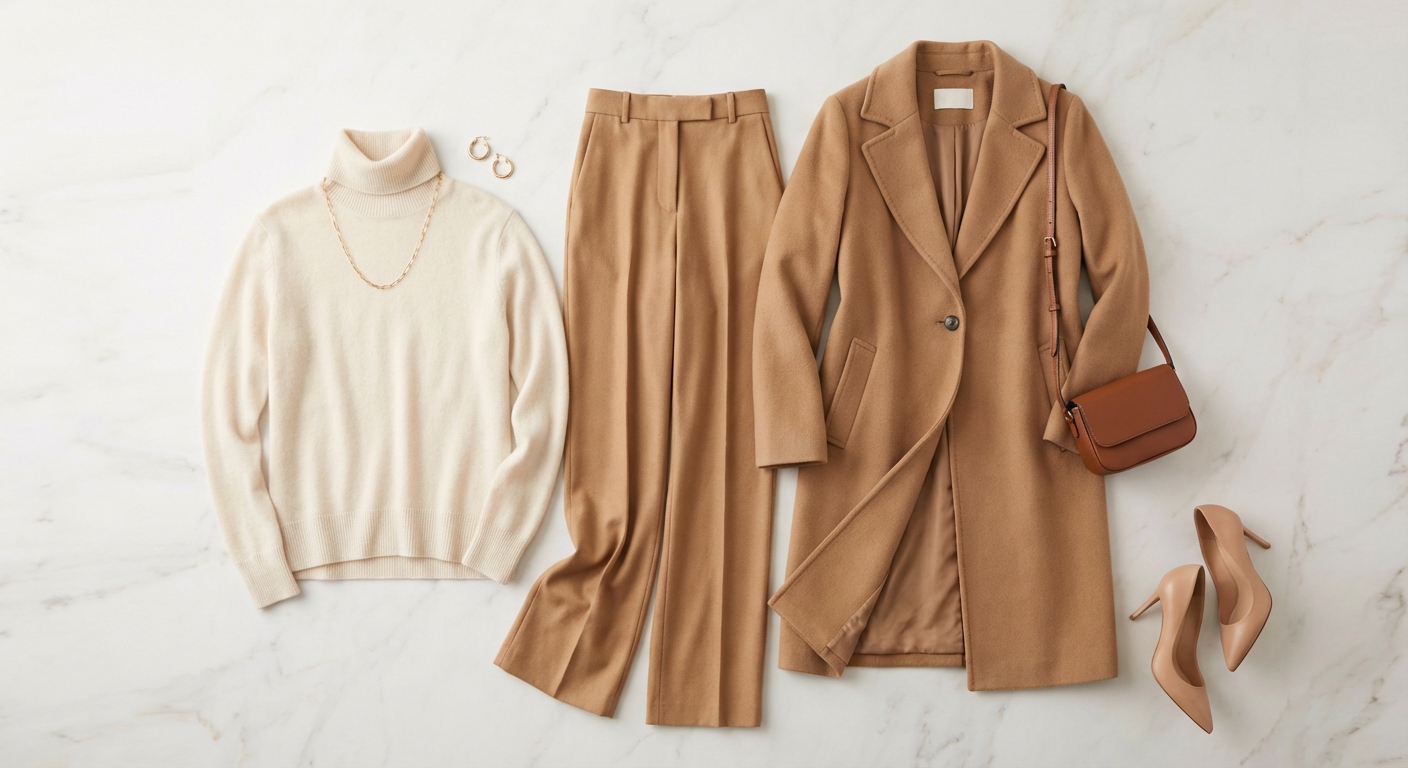
虚拟试衣是 LookMate AI 最令人兴奋的功能之一。它允许您在购买前查看服装在您身上的效果。本指南将引导您完成整个过程,从准备照片到获得最佳结果。
💡 专业提示: 每次虚拟试衣消耗 3 个积分。开始前请确保有足够的积分。
Prepare Your Photos
For best results, you need two photos:
- Your photo: A clear front-facing photo showing your upper body (head to waist or below)
- Good lighting and a plain background work best
- Avoid sunglasses, face coverings, or busy backgrounds
- Clothing photo: A clear product photo of the item you want to try on
- Plain background is ideal for the clothing image
💡 Tips:
- • Use natural lighting when possible
- • Stand straight and face the camera
- • Ensure your face is clearly visible
Upload Your Photos
Navigate to the Virtual Fitting Room and upload your images:
- Go to Dashboard and click "Virtual Fitting Room"
- Upload your personal photo first
- Then upload the clothing item photo
- You can preview both images before generating
💡 Tips:
- • Make sure both images are clear and in focus
- • Check that your photo shows your full upper body
- • Verify the clothing photo shows the item clearly
Generate Virtual Try-On
Let our AI create the virtual try-on effect:
- Click the "Generate" button
- The AI will process your images (takes 30-60 seconds)
- You'll see a loading animation with progress updates
- The result will appear automatically when ready
💡 Tips:
- • Pro and Pro+ members get priority processing
- • Results are typically ready in 30-60 seconds
- • You can generate multiple items to compare
Review and Download
Review your virtual try-on result:
- Examine how the clothing looks on you
- Check the fit and overall appearance
- Download the result if you're satisfied
- Or try again with different photos or settings
💡 Tips:
- • You can zoom in to see details
- • Compare multiple results side by side
- • Save your favorites to your history
Best Practices for Best Results
Photo Quality Matters
Higher quality photos produce better results. Use good lighting and clear images.
Complete Your Profile
A complete profile helps the AI understand your body type better for more accurate results.
Try Different Angles
If the first result isn't perfect, try again with a slightly different photo angle.
Use Appropriate Clothing
Virtual try-on works best with upper body clothing like shirts, dresses, and jackets.
Troubleshooting Common Issues
Face not detected
Make sure your face is clearly visible and well-lit. Remove sunglasses or face coverings.
Poor quality result
Try using a higher resolution photo with better lighting. Ensure the background is not too busy.
Clothing doesn't fit well in result
This is normal as virtual try-on is a simulation. Use it as a guide for style, not exact fit.
Related Resources
现在就免费体验一次虚拟换装
打开免费试用页面,上传一张照片和一件衣服,30 秒内看到效果;或者先去作品集看看别人真实的 AI 换装结果。